





Restarting the displays
You can restart the displays using the play/pause button on the tunnel console or the home symbol in the centre display.
If you are having problems with the displays, such as a display freezing or the car not being able to connect to the internet, restarting them might be a way to resolve these issues.
To restart the displays, the car must be at a standstill with the parking brake applied.
Restarting using the home symbol
Press and hold the home symbol  in the centre display's top bar until some different options appear.
in the centre display's top bar until some different options appear.Select Restarting infotainment.
The displays restart.
Restarting using the play/pause button
Press and hold the play/pause button on the tunnel console until the displays change.
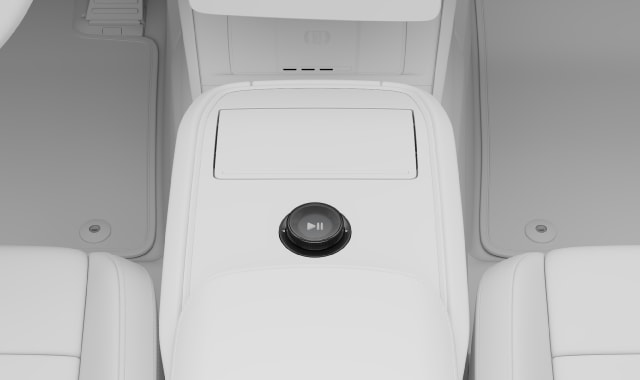
The displays restart.