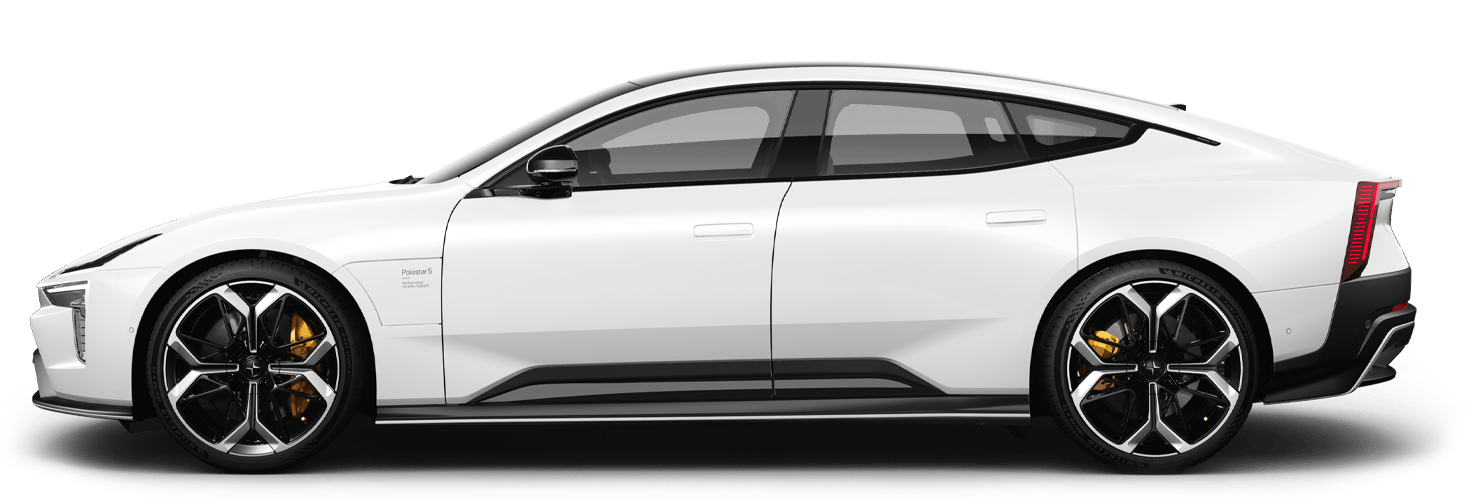
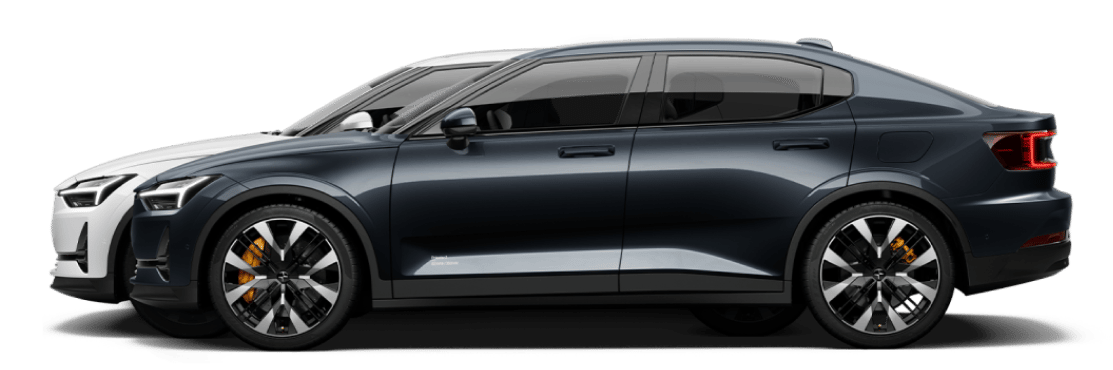
Operating the windows
Windows may still work for a while after you exit the car. Keep this in mind when leaving the car unattended.
All of the windows have built-in pinch protection to help prevent injuries. Be sure to read the relevant information on pinch protection in its separate section of the manual.
To operate the windows, a key must be present inside or near the car. If you use a key card, or if your distance-capable key is discharged, you need to place it on the card reader to be able to operate the windows.
Warning
- Make sure you have a clear view of the windows you operate.
- Do not allow children to play with the window controls.
- Never leave children alone in the car.
- Never put an object or body part through an open window, even if the car's electrical system is fully disconnected.
Note
Unresponsive windows
- The windows cannot be opened at speeds above approximately 180 km/h (112 mph) but they can be closed.
- At very low temperatures, the windows might freeze in place and you won't be able to operate them.
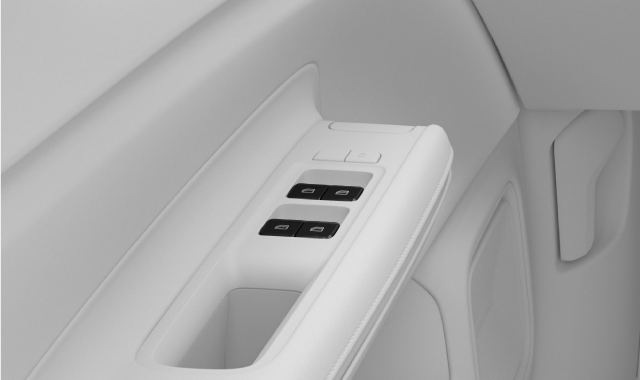
Use the switch to open or close the window.
A slight push or pull allows you to manually operate the window until you release the switch.
If you push or pull the switch fully, the window automatically moves even if you release the switch. Stop it by moving the switch in the opposite direction.
Note
Child lock
You can disable the rear window controls in the locking settings. This prevents rear seat passengers from operating the windows.
Tip
Noise reduction
One way to reduce wind noise when the rear windows are open is to also open the front windows slightly.
Operating all windows
You can operate all windows at the same time. Press and hold the lock button in the driver door panel to close the windows or the unlock button to open them.
Close by locking
If you want to close all the windows at the same time when you lock the car, you can enable this feature in the settings. Look up automatic window closing in this manual to learn more.