Unresponsive lock
Note
If the car's batteries go completely flat, it will not respond to any key.
If the car has been turned off for a long time, it may take several seconds for it to unlock. This is because the car needs time to turn its systems back on, to recognise the key and to give you access.
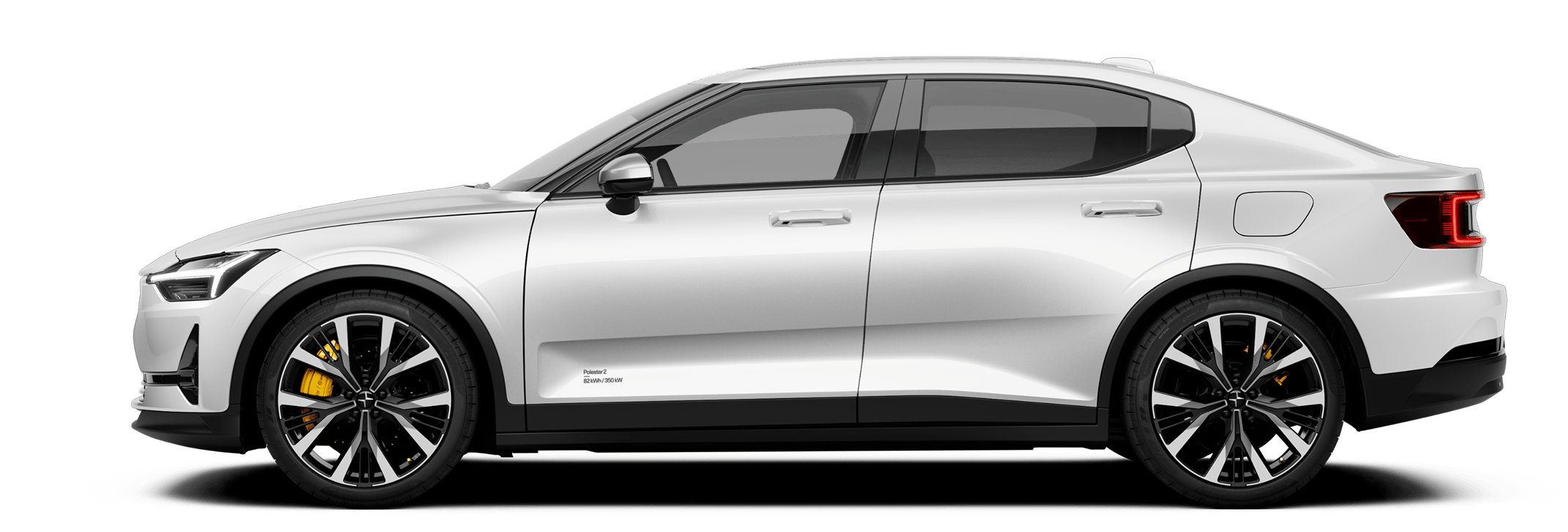
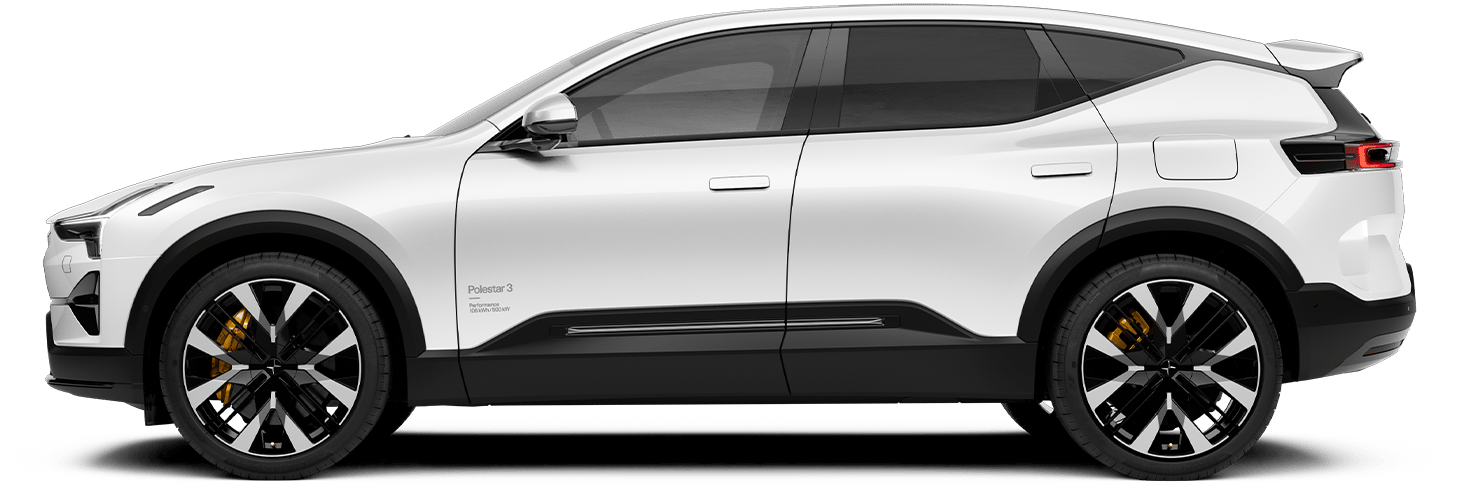
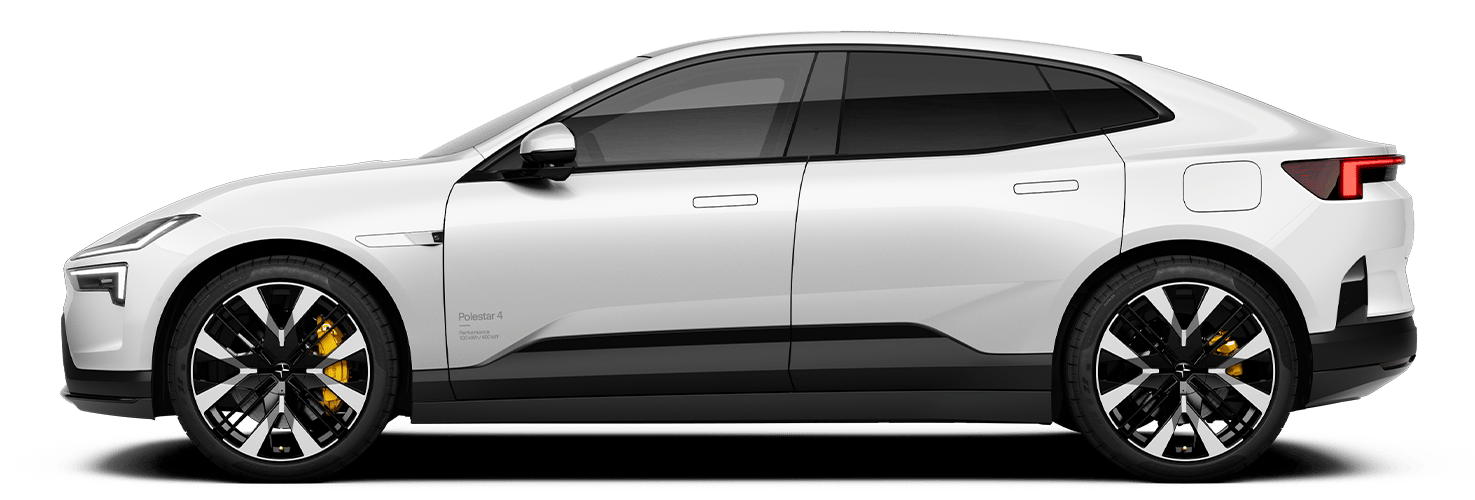
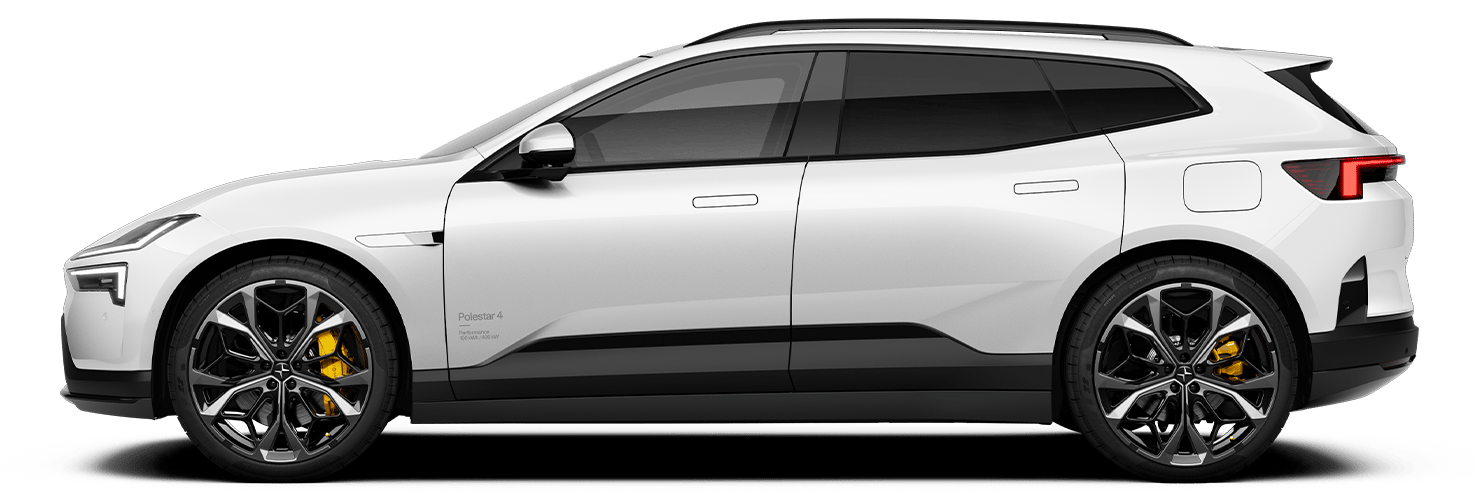
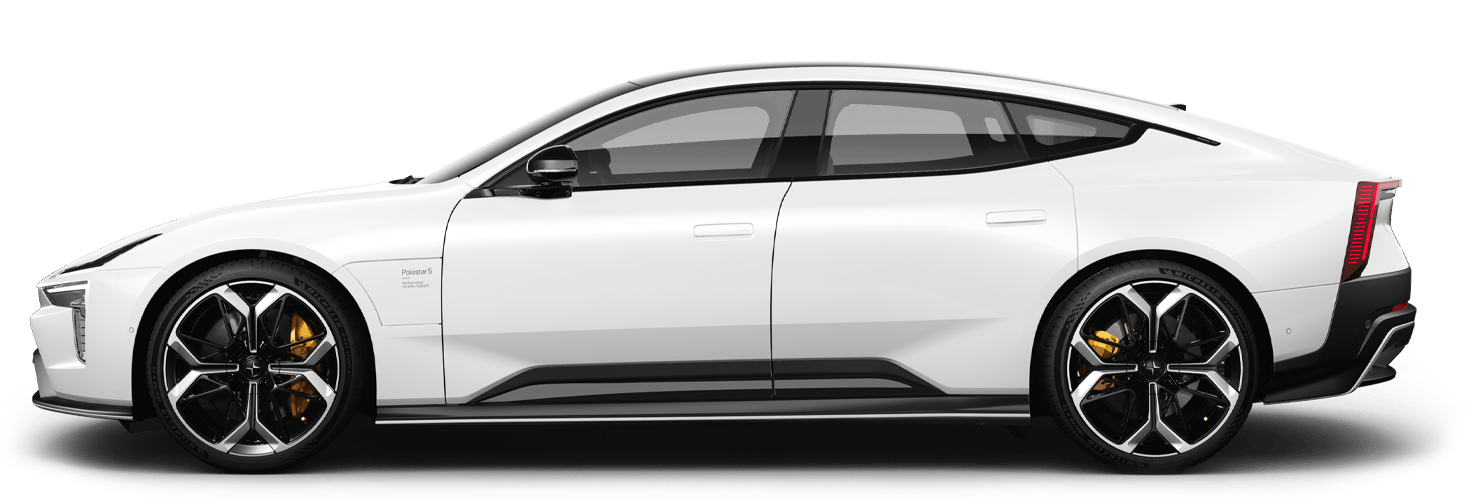
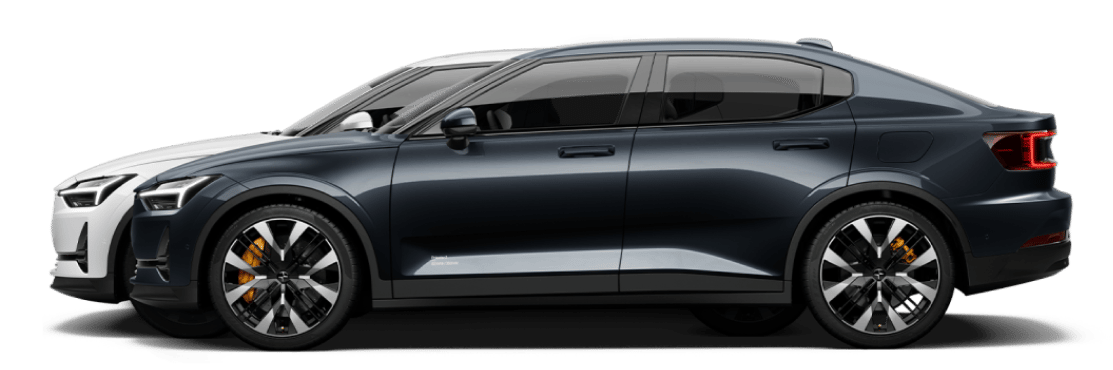
The outer door handles stay flush with the doors until you unlock the car.
If ice buildup is preventing you from accessing the door handles, try activating preconditioning in the Polestar app to heat the car. You can also carefully brush or tap the door handle to remove the ice manually.
Backup access
You can try unlocking the car using the Polestar app if you can't use your key. This requires your phone and car to have an internet connection.
Any driver who is connected as a guest user can also unlock the car remotely using their Polestar app.
Note
If your car is unresponsive when you try to unlock it with a distance-capable key, try unlocking the driver door with your key card. The key card is designed specifically to also act as a backup in this kind of situation.
Automatic locking not working
- the proximity unlock setting is enabled in settings
- your distance-capable key is charged
- the key's wireless signals are not being blocked.
If your car doesn't respond when you approach it with your distance-capable key, you can try unlocking it by placing a finger on the indentation in the door handle or placing your key on the key reader in the door pillar.
Rear doors not unlocking
If the rear doors don't open when you pull the inner door handles, make sure the child lock isn't active.