Polestar
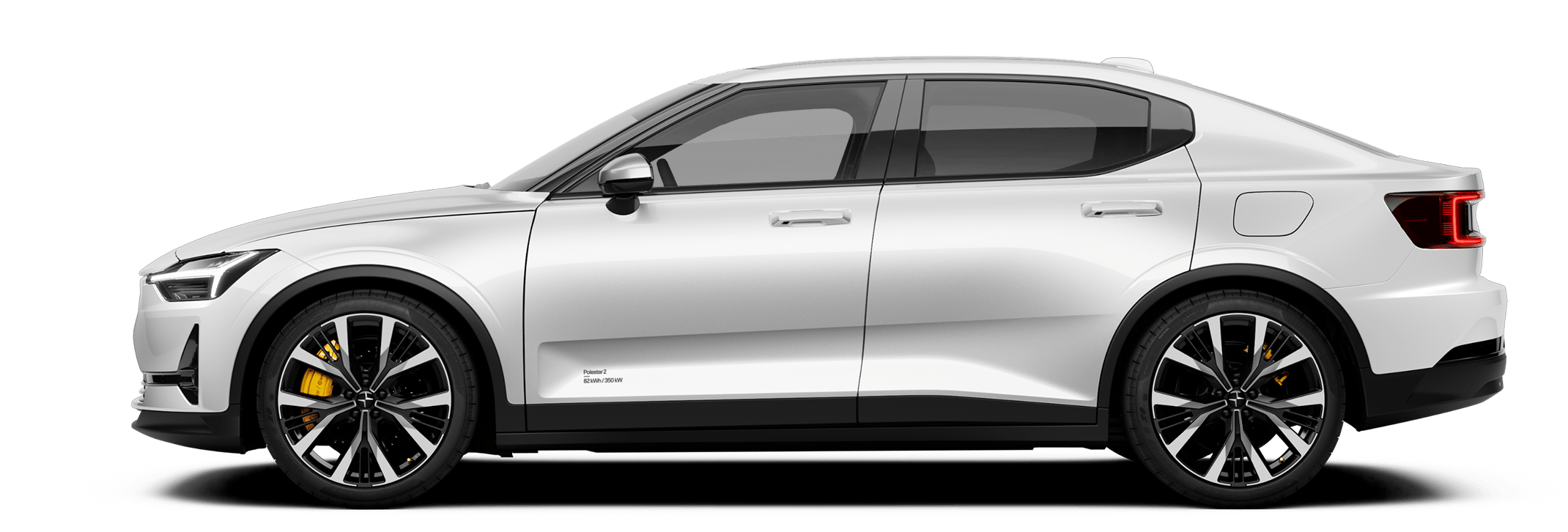
Polestar 2
Polestar 2
Polestar 2 submenu
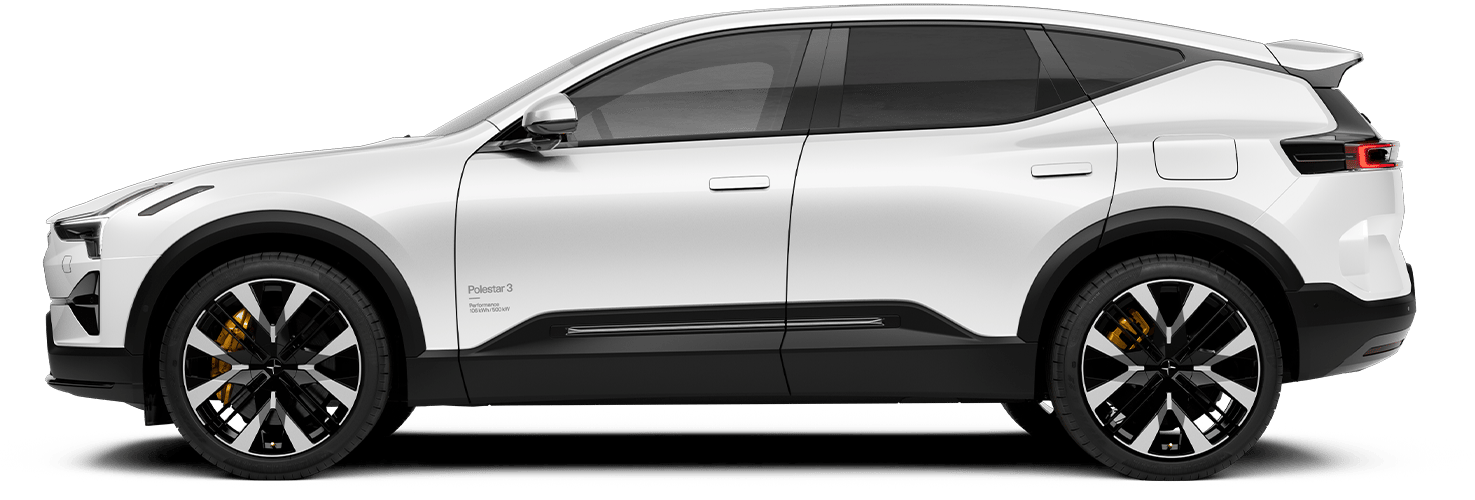
Polestar 3
Polestar 3
Polestar 3 submenu
Polestar 4
Polestar 4
Polestar 4 submenu
Polestar 5
Polestar 5
Polestar 5 submenu
Pre-owned
Pre-owned
Pre-owned submenu
Shop
Shop
Shop submenu
More
More
More submenu
Polestar 2
Discover Polestar 2
Test drive
Offers
Available cars
Configure
Polestar 3
Discover Polestar 3
Test drive
Offers
Available cars
Configure
Polestar 4
Discover Polestar 4
Test drive
Offers
Available cars
Configure
Polestar 5
Discover Polestar 5
Configure
Offers
Pre-owned
Pre-owned programme
Pre-owned Polestar 2
Pre-owned Polestar 3
Pre-owned Polestar 4
Shop
Offers
Available cars
Configure
Pre-owned
Test drive
Extras
Additionals
(Opens in a new window)
Experiences
Fleet & Business
How to buy
Financing options
More
Locations
Service locations
Ownership
Charging
Support
About Polestar
Sustainability
News
Newsletter sign up
Manual
Video gallery
Software updates
Manual
Audio and media
Internet connection
Audio and media
Polestar 2 - 2023
Search in manual
Audio and media
Radio
Media player
Phone
Apps
Internet connection
Online services
Connecting to the Internet via Bluetooth
Internet connection
Restarting the car's communication module (TCAM)
Problems with Internet connection
Connecting to a Wi-Fi network
Markets with Car Modem Internet
Audio and media
Storage space on hard disk
Sound settings
Media playback
Playing online games in the centre display
Connection and entertainment
Polestar 2
Internet connection
More in this topic
Radio
Media player
Phone
Apps
Audio and media
Storage space on hard disk
Sound settings
Media playback
Playing online games in the centre display
Connection and entertainment