Polestar
Polestar 2
Polestar 4
Polestar 4 coupé
Manual
Software updates

Climate controls

You can control the car's interior climate through various means, from both inside the car as well as from your phone.
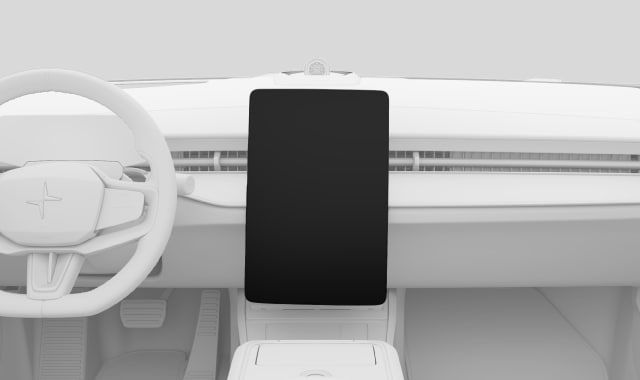
Climate controls in centre display
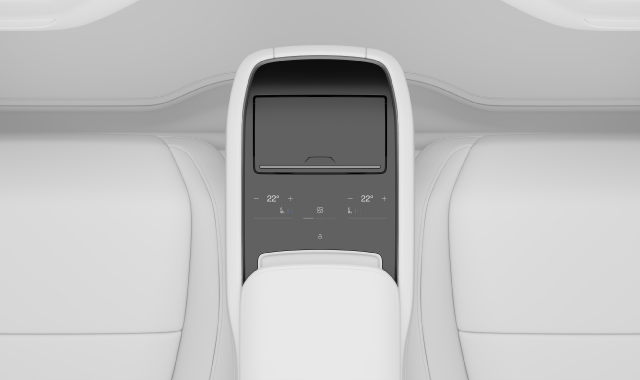
Climate controls in rear centre armrest control panel
The Polestar app
The Polestar app
You can control the car's interior climate here:
  • The centre display
  • The rear centre armrest's control panel
  • The Polestar app on your phone

Most of your car's climate controls and settings can be found in the centre display. However, there are also some physical buttons you can use. For example, the passengers in the rear seats can set their own preferred temperature via the climate settings in the rear centre armrest's control panel.

 Tip

Use the Polestar app to remotely precondition your car. That way, you can ensure a comfortable interior climate when it's time to go for a drive.

Articles in this category

Activating seat heating

You can activate the seat heating function via the comfort view in the centre display. There are three levels of heating to choose from.

Read more

Activating seat ventilation

You can activate the seat ventilation via the comfort view in the centre display.

Read more

Activating the steering wheel heating

Steering wheel heating can be controlled via the centre display. You can activate it manually or set it to automatic activation.

Read more