





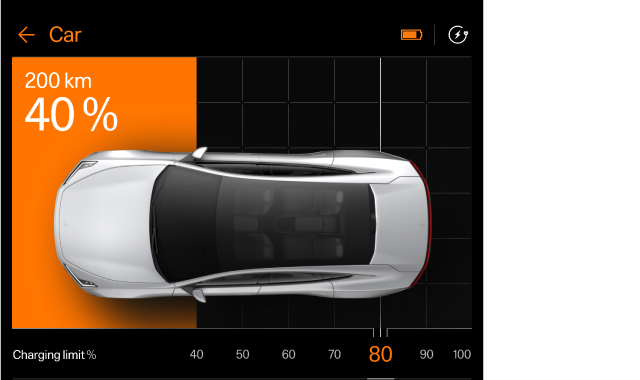
In the charging view, you can access information about the charging process, open and close the charge port, start or stop the charging and adjust different charging settings.
You can customise the charging settings according to your preferences. The charging view appears automatically when charging is initiated.
Note
The information content can vary depending on the current charging status.
1
2
- 1Currently available range and battery level
- 2Target battery level
You can do the following in the charging view:
- Set a target battery level
- Limit the electrical current for AC charging
- Open and close charge port
- Start and stop charging for your car
- Add and manage schedules
Tip
Polestar app for the car
You can also access information about the battery level, charging status and charging process in the Polestar app for the car.
Charging power information
Press the charging power symbol  if you want more information about your car's charging power and what to expect during charging.
Accessing the charging view
The charging view appears automatically when charging is initiated.
You can also access the charging view by pressing the settings symbol  in the top bar and going to Charge.