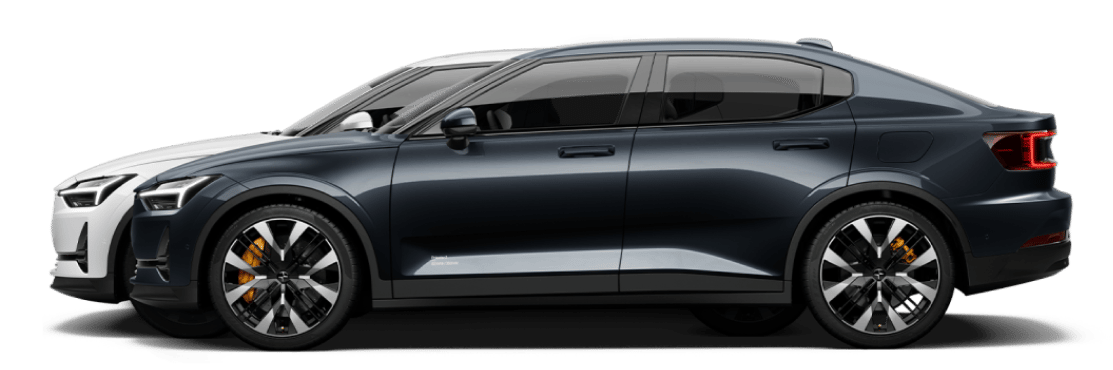
Leaving a parking space using park assist pilot
Park assist pilot can help you maneuver the vehicle out of a parking space in the forward direction if you used park assist pilot to park there.
The parking view often appears automatically when you slow down to park, but sometimes you need to open it manually.

Important
Before using park assist pilot
Take the time to read everything about park assist pilot in this manual before using it for the first time. Understanding its capabilities and limitations is important for safe use.
Assess the situation
Make sure the traffic situation and conditions are suitable for activation.
In the parking view, press Help me park - Park Assist Pilot.
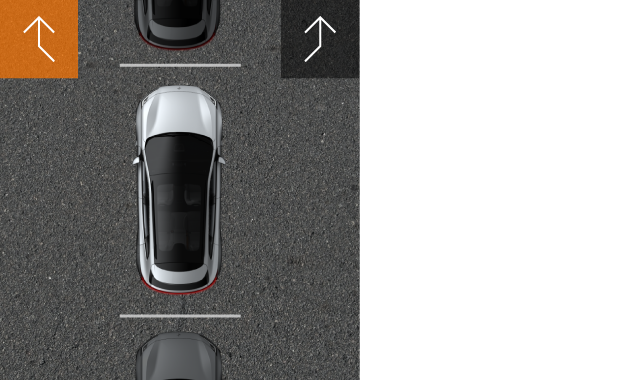
The vehicle begins scanning for an exit path. When a path is identified, it's available in the display.
Warning
As long as park assist pilot is active
Pay attention to your surroundings during the entire maneuver and take control of the vehicle if necessary.
Press Start.
The vehicle begins the parking maneuver.
Follow any instructions in the center display.
The vehicle confirms when it has completed the maneuver.