




Adjusting front seats
Seat adjustment knob
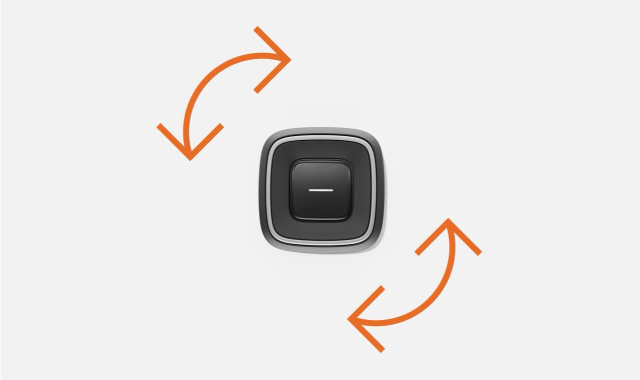
The seat adjustment knob can move up and down, forward and backward, as well as rotate in both directions. In the middle of the knob there's also a button you can use to change the active adjustment mode.
There are lots of different changes you can make to the seats. To control them all with the adjustment knob, the available changes have been grouped into separate adjustment modes. Each mode is visually represented in the centre display to guide you while adjusting the seat.
Warning
Adjusting the seat
Tip
Quick adjustments
You can also customise the seat without visual guidance from the centre display. Just move or rotate the seat adjustment knob to start adjusting. Note, however, that only the basic adjustment mode is available this way.
Extending seat cushion
You can manually extend the seat cushion to better support the full length of your upper legs. Grasp the handle below the front of the cushion and pull the cushion outwards.
Driver seat adjustments can be stored
Driver seat adjustments can be saved to your personal profile, and connected to your personal key, so you don’t need to adjust the position the next time you drive the car. When you adjust the driver seat, a message appears in the centre display where you can save the position, along with any adjustments to the wing mirrors and steering wheel.
Note
Adjustment lock
If you move the adjustment knob in the same direction numerous times within a short timeframe, the knob becomes temporarily unresponsive. A message also appears in the centre display, telling you the seat adjustment controls have been disabled. This is to prevent unintentional use of the adjustment knob.