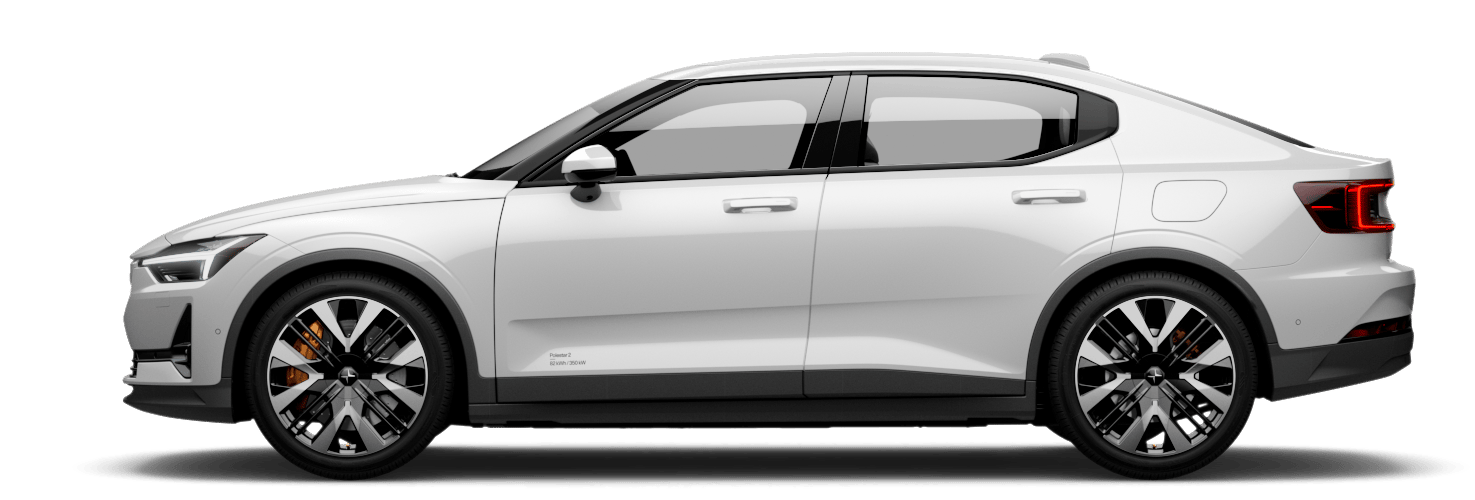
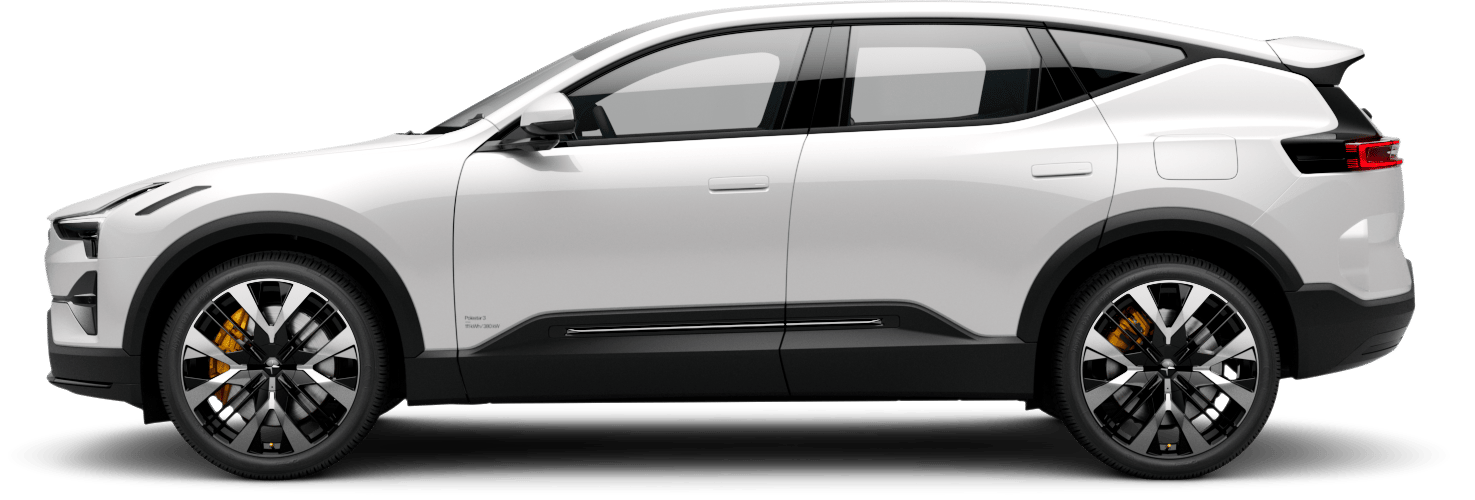
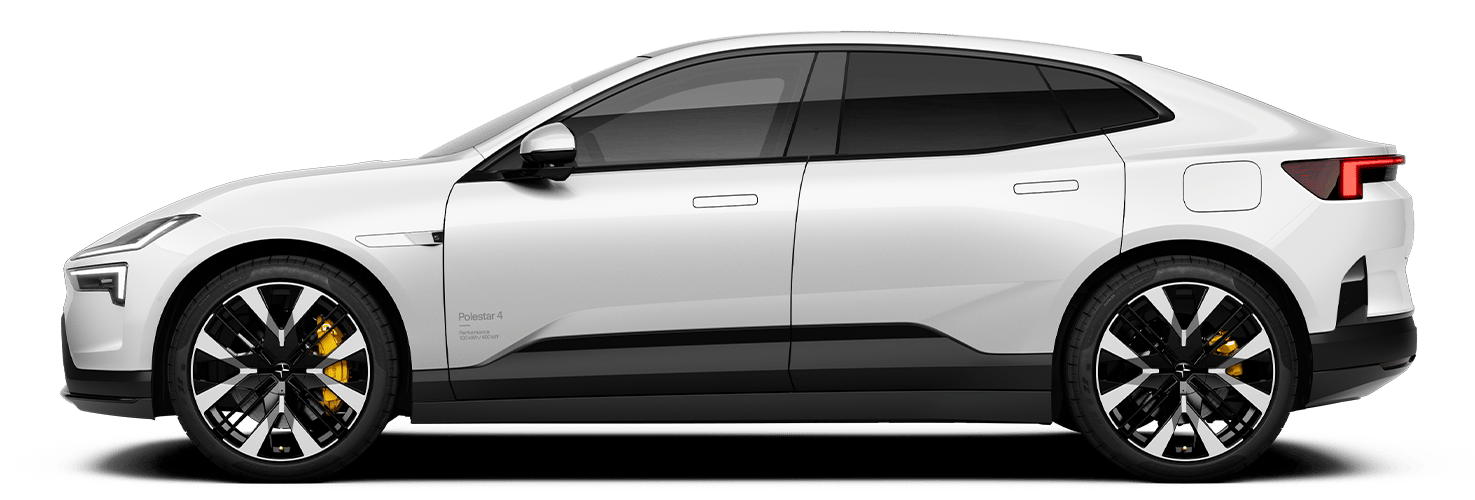
Activating camping mode
You can activate camping mode to enable certain features to remain on while you sleep in the vehicle.
When you activate camping mode, the temperature in the passenger compartment stays at the set level, you can turn the interior lights on and off, the USB ports and 12 V socket can still power devices and the center display remains on.
Before activating camping mode, make sure the vehicle is in park.
Press the vehicle symbol  in the bottom bar and go to Shortcuts.
Go to .
Press Turn on Camping mode.
Camping mode turns off automatically when your vehicle's battery level reaches 20%. You can also turn it off manually via the center display by pressing Turn off Camping mode.