




Battery meter
The battery meter shows the charge level percentage and range of your car.
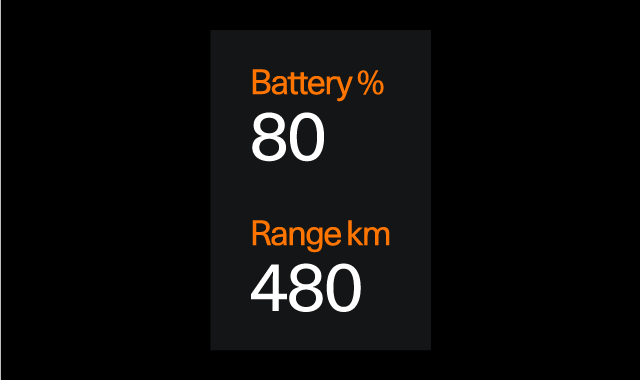
The battery meter is shown in the driver display at all times and in all display modes. You will see either the full battery meter or a minimised version using symbols, depending on the amount of other information shown in the driver display.

Remaining battery
The battery percentage indicates the level of charge left in your car's battery.
The range tells you how far you can drive with the battery's current charge level. It is an estimated dynamic range which is calculated based on your current battery level and driving behaviour.
Note
Driving style and external factors, such as outside temperatures and driving for prolonged periods at high speeds, can have different effects on the estimated battery range.