




Key fob
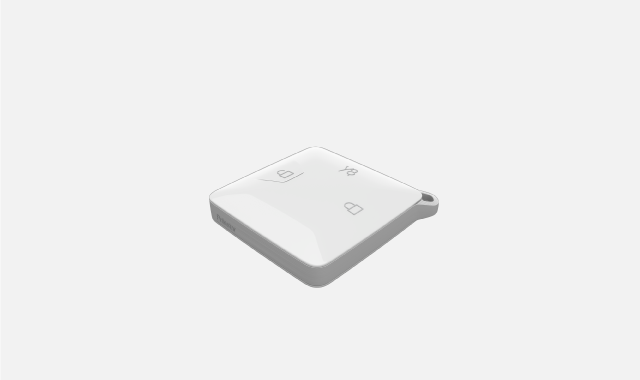
 | Locking button | Press the locking button once to lock the car. Press it twice to activate car finder. Press and hold the button to close all of the windows. |
 | Unlocking button | Press the unlocking button once to unlock the car. Press and hold the button to open all of the windows. |
 | Boot hatch button | If the boot is closed, press and hold the button to open the boot hatch. If the boot is open, press and hold the button to close it. |
To get driving access, just bring the fob with you inside the car.
Tip
Car finder
You can use car finder to help locate your car in busy places, such as car parks. When activated, your car will alert you to its location by flashing the exterior lights and sounding the horn. You can turn it on and off via the centre display.
Changing locking behaviour
If you want to make the windows close automatically by pressing the locking button once, you can adjust the locking behaviour in settings.
If the car doesn't detect your key fob, it may be due to signal interference or the key having low battery. When this happens, you will see a notification in the centre display.
Even if your car fails to detect the fob, you can still use it as a key card. For example, you can place it on the wing mirror to unlock the car or on the key reader between the front seats to get driving access. You can also replace the key fob battery.
Important
Keep in mind that if the car doesn't detect your key fob, it can't lock automatically when you leave.
Always take your key with you when you leave the car.
Note
Be aware that the signals between the key and the car can be affected by obstacles or interference from other signals.
If you lose a key fob or it gets damaged, contact a service point for a replacement.