




USB ports
You can use your car's USB ports to charge a phone, tablet or other device.
Location of the USB ports
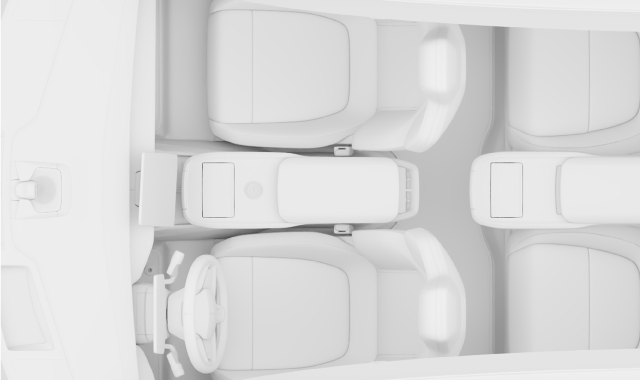
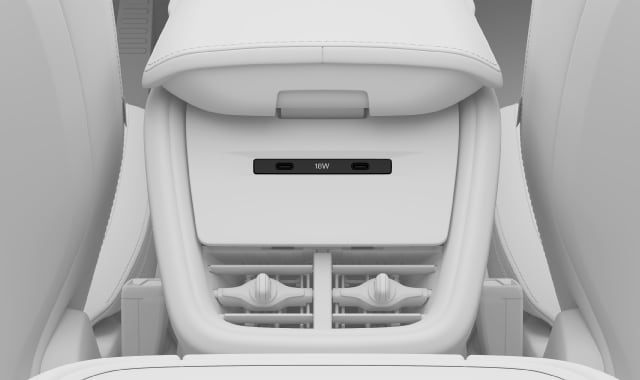
There are two USB ports in the front and two by the rear seats.
In the front, the USB ports1 are located under the centre display.
1
2
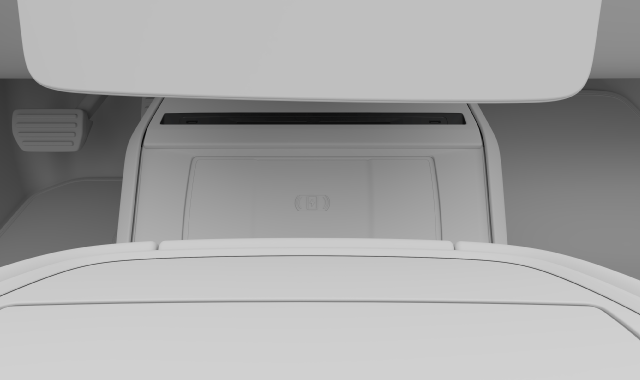
There are also two USB ports1 in the rear part of the tunnel console.
Using the USB ports
Always disconnect devices from the ports when not in use.
Some devices may become hot during charging. This is normal.
The ports are disabled if you leave the car. If you leave the car unlocked, the ports will remain active for a while longer.
USB power output
The power output of the USB ports depends on the device you are charging. The voltage and current are modulated to what is accepted by your device.
Front USB ports:
- Type C socket
- Max. power output: 15 W (socket 1)/18 W (socket 2)
- Supports Quick Charge 3.0 (socket 1)
Rear USB ports:
- Type C socket
- Max. power output: 18 W