




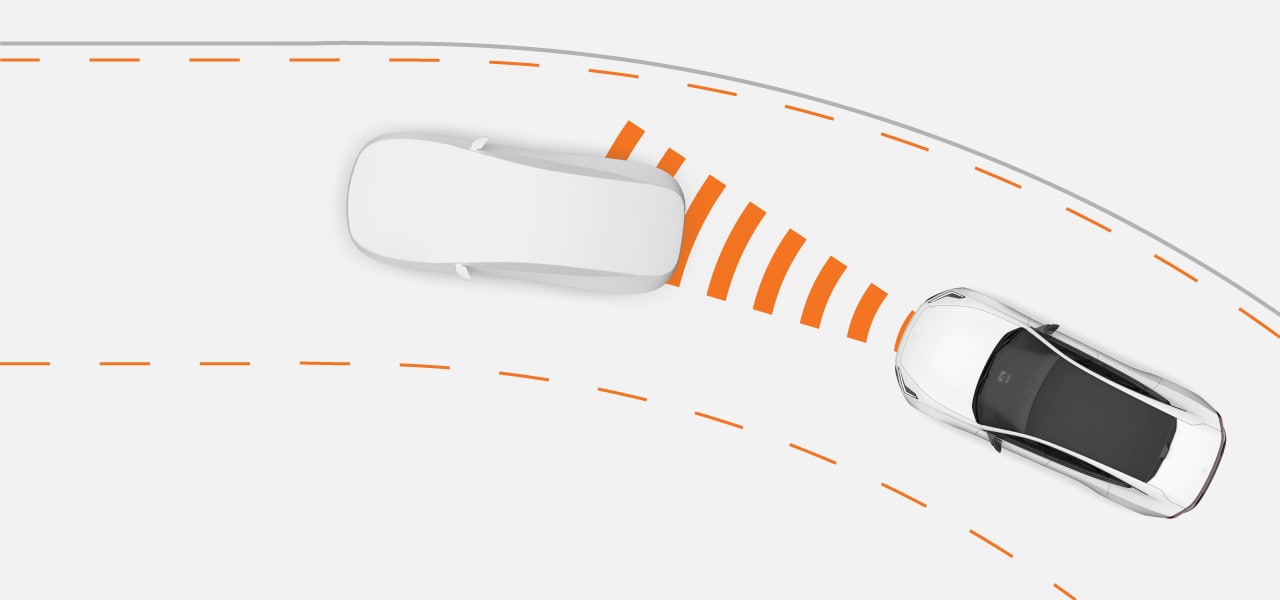
Pilot Assist actively guides your driving in a number of ways. When driving with Pilot Assist, you select the target speed. The car then manages acceleration and braking to meet that target while also adapting to surrounding traffic.
It's also capable of steering assistance. When enabled, steering assistance helps with road positioning by guiding your steering wheel movement.
Important
Before using Pilot Assist
- Take the time to read everything the manual has to say about Pilot Assist before using it.
- This support feature depends on information from radar and camera detection systems. Understanding their capabilities and limitations is necessary for safe use.
The driver is in control
When using Pilot Assist, you are still in control of the car. It's your responsibility to continuously assess Pilot Assist's performance. As long as you judge its input to be correct, you can let it guide your driving.
Tip
Customise Pilot Assist
Some of Pilot Assist's capabilities can be customised, either in Pilot Assist's settings or by using the steering wheel buttons. This allows you to set it up for the level of support you want.
Managing speed and distance to vehicles ahead
When you activate Pilot Assist, a set speed value appears by the speedometer. This represents the target speed that Pilot Assist tries to maintain. You can adjust the set speed with the steering wheel buttons.
Instead of manually adjusting the set speed, you also have the option to use the current speed limit as your target speed. The set speed then automatically updates when the speed limit changes. You can enable Adapt to speed limit in Pilot Assist's settings.
If your car detects a vehicle ahead that's either slower than you or a bit too close, Pilot Assist will slow down to maintain a certain distance to the vehicle in front. Once the road ahead becomes clear again, your car returns to the target speed. You can adjust the general distance to vehicles ahead using the time interval button  on your steering wheel.
Steering assistance
The availability of active steering assistance depends on the conditions you are experiencing. For example, if you encounter a stretch of road with worn-out markings, the car may temporarily turn steering assistance off and tell you to increase your level of control. As soon as the necessary conditions are met again, steering assistance reactivates.
You can enable and disable steering assistance using the steering assist button  on your steering wheel while driving.
Pilot Assist features and settings
| Steering assist | When driving with steering assistance, your steering is actively guided. This can help you maintain correct lane positioning. |
| Lane change assist | Guides lane change manoeuvres initiated by the driver. |
| Target speed | You can adjust the target speed for Pilot Assist using the steering wheel buttons. |
| Adapt to speed limit | Adapts the set target speed to follow the speed limit. |
| Distance keeping | You can adjust your car's general distance-keeping by adjusting the time interval to vehicles ahead. |
Status and availability
Pilot Assist's availability is indicated in the driver display and depends on the current driving conditions. You can always see the current level of support you're getting from Pilot Assist in the driver display.
Note
Paused
In some situations, Pilot Assist can be temporarily paused. This can happen when a driver decision is needed to resume driving with Pilot Assist, such as after coming to a stop. When Pilot Assist is paused, a message with instructions for resuming is typically shown in the driver display.