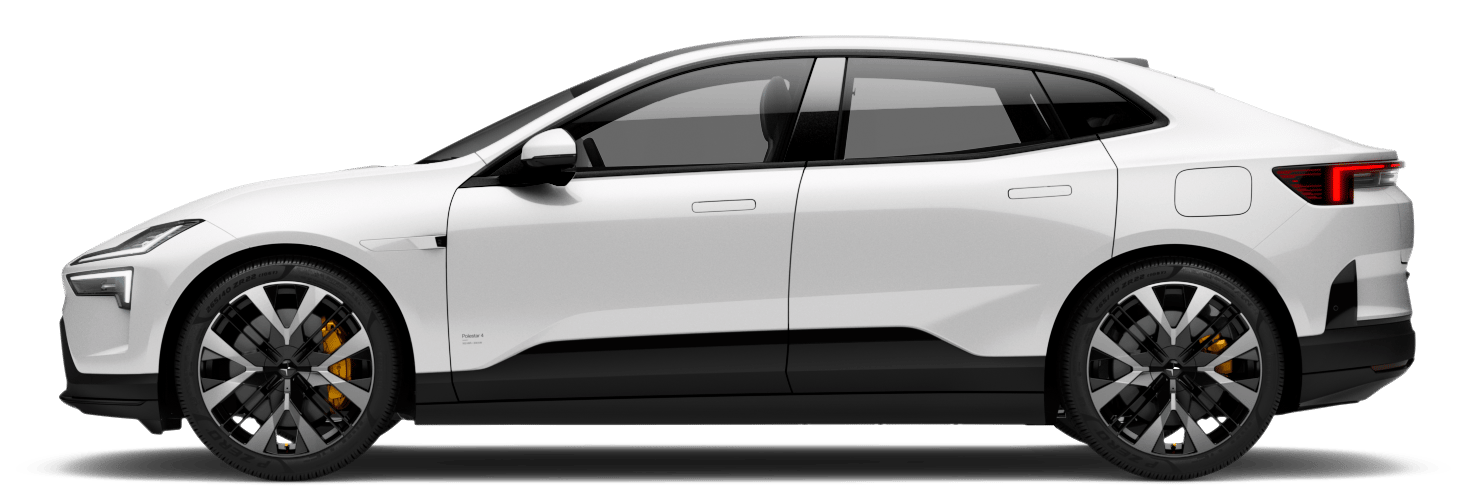

Charging status in the driver display
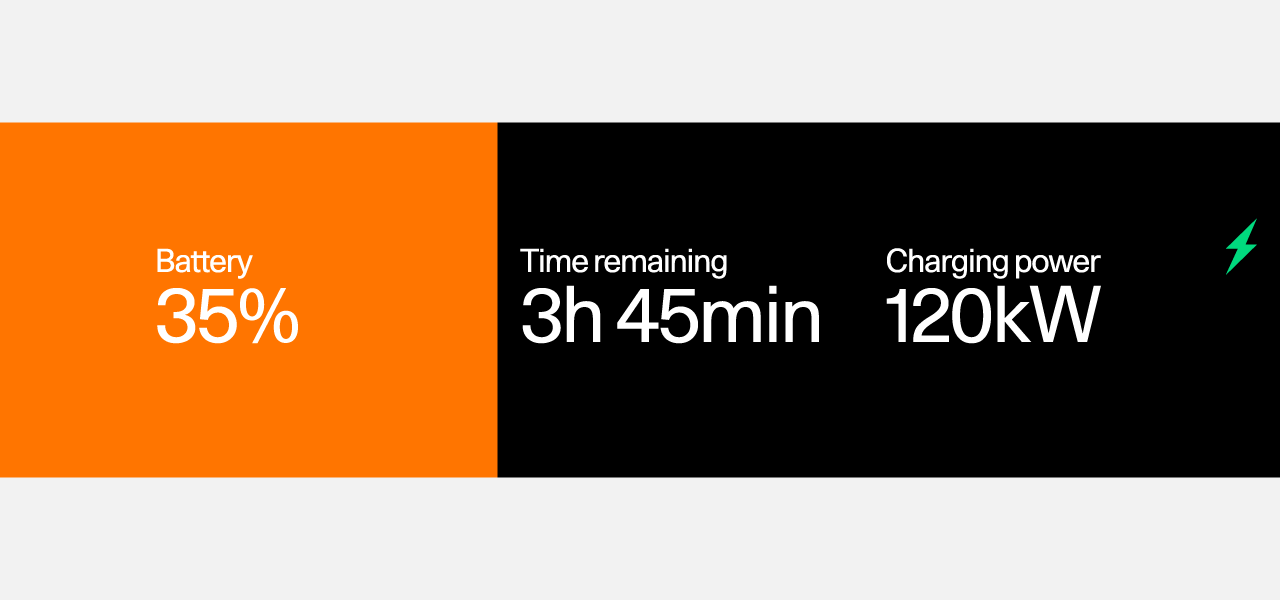
You can see the car's current charging status in the driver display.
3
2
1
- 1Battery level information
- 2Time remaining
- 3Charging power
The driver display contains charging status information such as status text, battery level, charging power, remaining charging time and scheduled time information. Different coloured icons are also included. The information may vary depending on the charging status.
| Status | Icon | Colour | Description |
|---|---|---|---|
| Time remaining and Done by |  | Green | The car is charging manually or based on a schedule. For manual charging, the remaining time is visible in the display. For scheduled charging, the estimated time when charging is done is visible in the display. |
| Done |  | Green | Charging is complete. |
| Charging starts |  | Blue | The cable is plugged in and your car is scheduled to charge at a later time. Information about the scheduled time is visible in the display. |
| Power transfer |  | Blue | The car is discharging. |
| Connected |  | Yellow | The cable is plugged in but the car is not charging. This can occur when the charging point is using its own scheduling or if something overheated. |
| Error |  | Red | The cable is plugged in but there is an error in the charging connection. Depending on the error, the display shows different messages. If the problem persists, contact a service point. |