



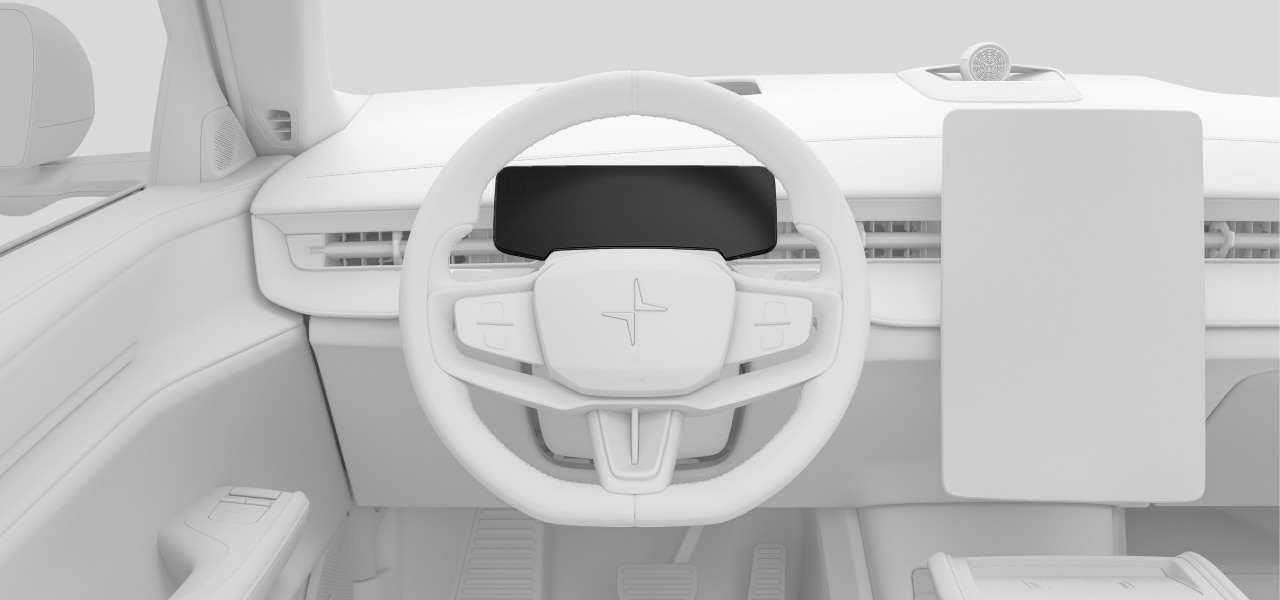
The instrument panel is located in front of the driver, behind the steering wheel. Its position changes along with the steering wheel when you adjust it to your preferred driving posture.
- Warning and indicator symbols
- Speed
- Navigation
- Driver support information and status
- Notification messages
- Battery meter
- Power meter
Controlling the instrument panel
You can use the steering wheel buttons to interact with the instrument panel, control what's shown on it and use certain functions. When you move your finger over the touch-sensitive buttons, the function associated with each button appears in the instrument panel. These functions may change depending on the context but typically include controls for driver support, media and voice controls.
Display modes
There are three instrument panel modes that you can choose from: calm, surround and map. Use the buttons on the steering wheel to change the display mode.
| Calm | This displays essential information, such as speed, battery level and range, as well as warning and indicator symbols. |
| Map | The instrument panel shows your current navigation route on a map, as well as essential driving and vehicle information. |
| Surround | In this mode, you will see a depiction of the vehicle and its position on the road. The same essential information as calm mode is also displayed. |
Important
Using surround mode
Surround mode cannot perfectly depict what is really happening on the road around you, so do not rely on it when you are driving.
Warning
Important
Clear space around the instrument panel
Do not hang or place any objects on the steering column in front of or behind the instrument panel. You risk damaging the instrument panel if an object is placed there when the steering wheel position changes.