
Steering wheel controls
The steering wheel has several buttons and control surfaces. They control specific functions such as the horn, as well as certain settings, adjustments and what's shown in the driver display.
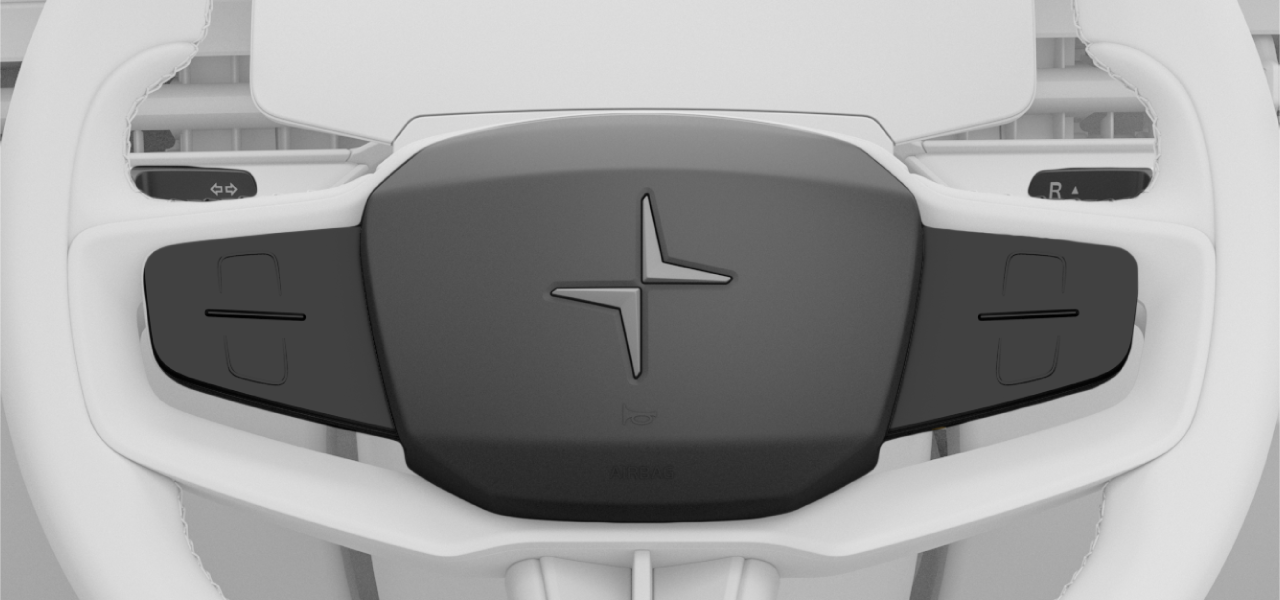
There are several different steering wheel controls, including:
- Touch-sensitive buttons
- Left-hand stalk
- Right-hand stalk
- Horn
Touch-sensitive buttons
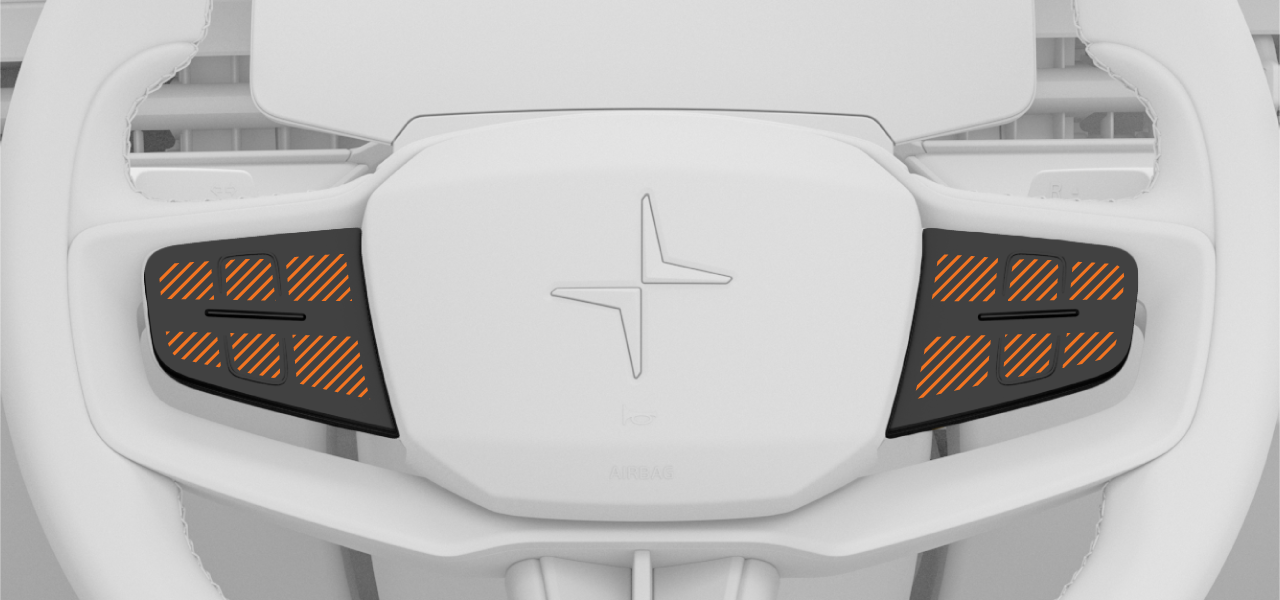
There are two sets of touch-sensitive buttons on the steering wheel, divided into multiple touch zones. Their functions change depending on the context and they typically control what's currently shown in the displays.
Interacting with the touch-sensitive buttons
You can find the touch zone you’re looking for by moving your finger across the steering wheel buttons. The feature associated with each touch zone appears in the driver display, on the same side as the set of buttons you are touching.
To use the buttons, move your finger to the touch zone associated with the function you want to use. When the function is indicated in the display, press the button.
The symbols shown in the driver display can change colour or appearance when a feature is enabled or adjusted.
Left side buttons
The buttons on the left-hand side of the steering wheel typically control more driving-related features. When you interact with the buttons, these symbols appear in the driver display:
 | Increase target speed for adaptive cruise control |
 | Decrease target speed for adaptive cruise control |
 | Switch between driver display modes |
Right side buttons
The buttons on the right-hand side of the steering wheel typically control more media related features. When you interact with the buttons, these symbols appear in the driver display:
 | Activate the digital assistant |
| Increase the volume or confirm an action |
| Decrease the volume |
 | Play previous |
 | Play next |