Polestar
Polestar 2
Polestar 2
Polestar 2 submenu
Polestar 3
Polestar 3
Polestar 3 submenu
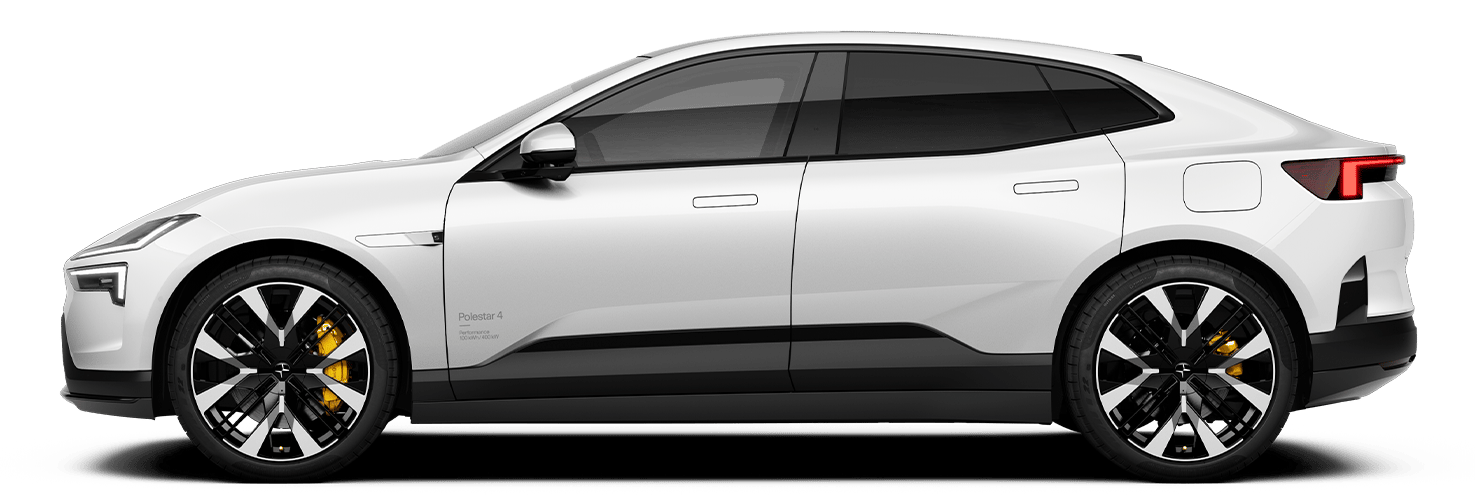
Polestar 4
Polestar 4
Polestar 4 submenu
Pre-owned
Pre-owned
Pre-owned submenu
Shopping tools
Shopping tools
Shop submenu
Ownership
Ownership
Ownership submenu
More
More
More submenu
Polestar 2
Discover Polestar 2
Test drive
Offers
Shop pre-owned cars
Polestar 3
Discover Polestar 3
Test drive
Offers
Shop available cars
Shop pre-owned cars
Configure
Polestar 4
Discover Polestar 4
Test drive
Offers
Shop available cars
Configure
Pre-owned
Certified by Polestar
Shop pre-owned cars
Offers
Shopping tools
Test drive
Shop available cars
Shop pre-owned cars
Configure
Offers
Financing options
Calculate EV savings
Charging & EV Incentives
Retail locations
Fleet & Business
Ownership
Owning a Polestar
Schedule service
Certified Collision Centers
Support
Manual
Roadside assistance
Shop Extras
More
News
Newsletter sign-up
Experiences
Support
Sustainability
About Polestar
Manual
Video gallery
Software updates
Manual
Audio and media
Apps
Apps
Apps
Polestar 2 - 2022
Search in manual
Audio and media
Radio
Media player
Phone
Apps
Apps
Download apps
Deleting apps
App troubleshooting
Internet connection
Audio and media
Hard disk storage space
Sound settings
Playing media
Playing online games in the center display
Connection and entertainment
Polestar 2
Apps
App view only provides access to the vehicle's preinstalled and downloaded apps.
Related articles
Center display’s views
Moving apps in the center display
Audio and media
Download apps
Deleting apps
App troubleshooting
Hard disk storage space
Approval of terms and conditions and data collection
Switching off the vehicle