Activating seat massage
You can activate the front seat massage function via the seat adjustment view in the centre display. There are several different massage programmes and settings you can choose from.
Press the button on the seat adjustment knob.
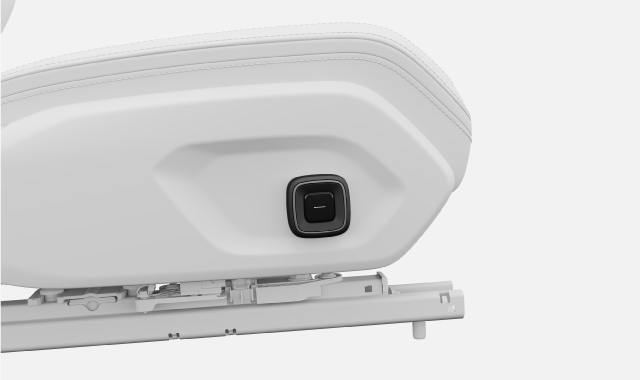
The seat adjustment view appears in the centre display.
Select Massage.
Select your preferred programme and intensity.
Massage starts and a notification appears in the centre display, telling you how long the massage runs for.
If you want to stop the massage before the programme finishes, press the active massage programme again from the seat adjustment view via the centre display.
Tip
You can also reach the seat adjustment view in the centre display via settings without using the seat adjustment knob.