The front seats have plenty of adjustability to increase comfort.
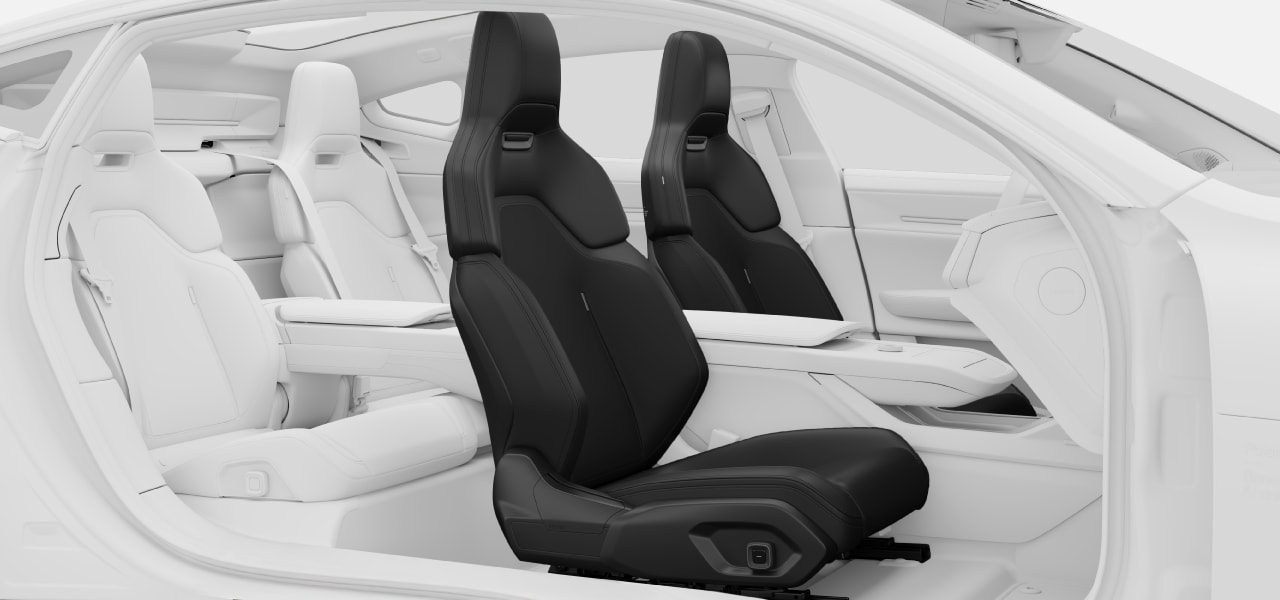
Adjustability
The power seat adjustments are divided into groups called adjustment modes:
| Position | Height and position of the seat and backrest tilt. |
| Lumbar | Lumbar support height and depth adjustments. |
| Side support | Side bolster positions. |
| Cushion | Seat cushion tilt. |
Tip
Extending seat cushion
You can manually extend the seat cushion to better support the full length of your upper legs. Grasp the handle below the front of the cushion and pull the cushion outwards.
Seat adjustment knob
All power seat adjustments are done using the knob on the side of the seat. When you press the centre button, the seat adjustment view appears in the centre display to guide you.
Features
The front seats also have the following comfort features:
| Massage | You can choose from four different massage programmes with three different intensities. |
| Ventilation | Most parts of the front seats are ventilated. There are three levels of cooling to choose from. |
| Heating | The seats have three levels of heating available. |
Tip
Make entering and exiting easier
Both the steering wheel and the seat can be set to move temporarily. This makes getting in and out of the driver's seat easier. Look up easy entry and exit in this manual for more details.
Comfort view
By pressing the corresponding seat symbol 
 in the climate bar, you can access the comfort view for the seats.