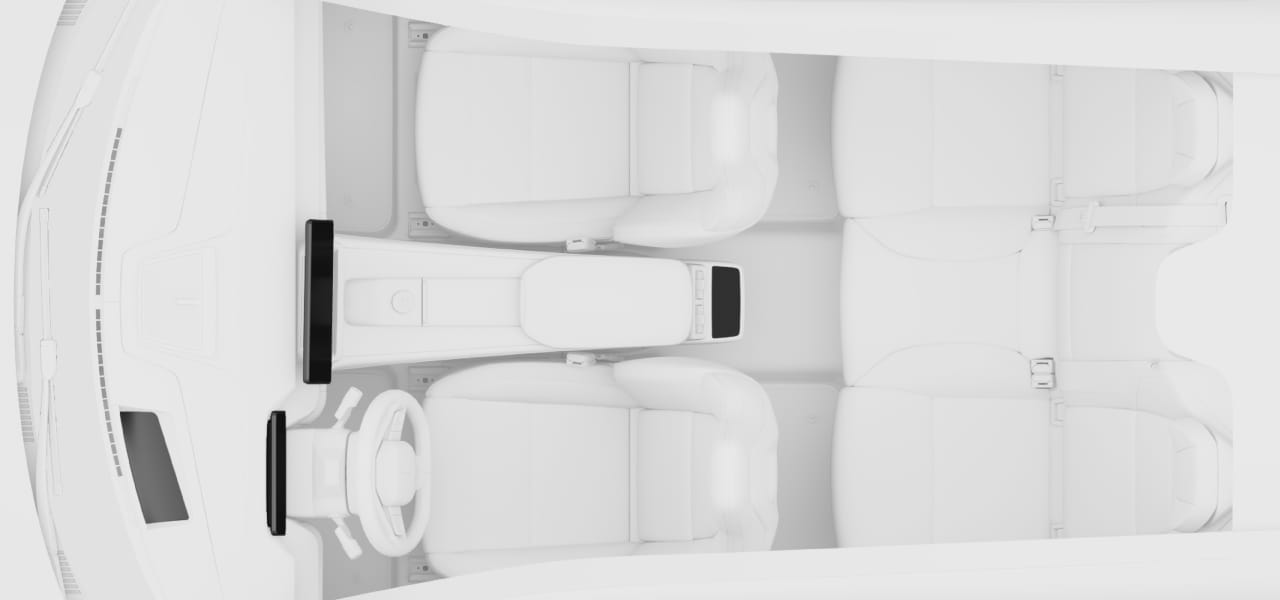
- 1Head-up display
- 2Driver display
- 3Centre display
- 4Rear display
Tip
Display brightness
You can adjust the displays' brightness in settings.

You can adjust the displays' brightness in settings.
Interact with the centre display to control and view information about many of the car's features and functions.
Read moreThe driver display shows you information related to your driving and the car itself.
Read moreThe head-up display projects information from the driver display onto the windscreen in front of the driver.
Read moreRear passengers can change a number of settings for the rear passenger compartment as well as control media playback via the rear display.
Read moreYou can change the system settings so that the car displays information in a way that suits you.
Read moreYou can restart the displays using specific buttons on the steering wheel.
Read more