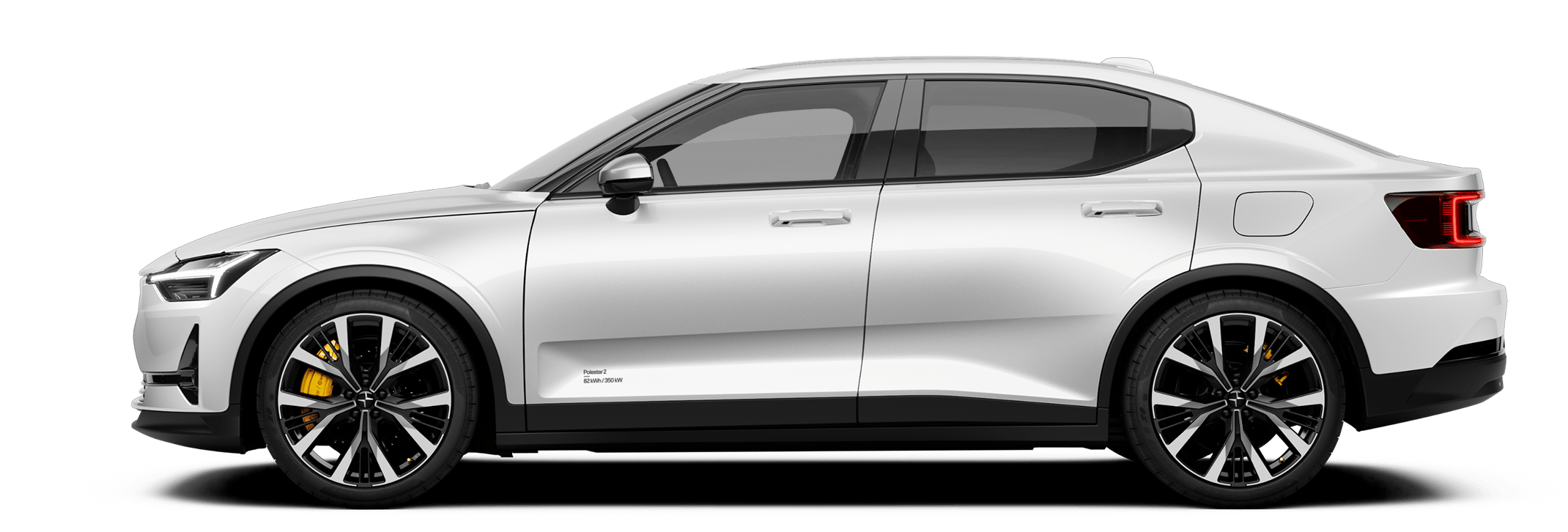





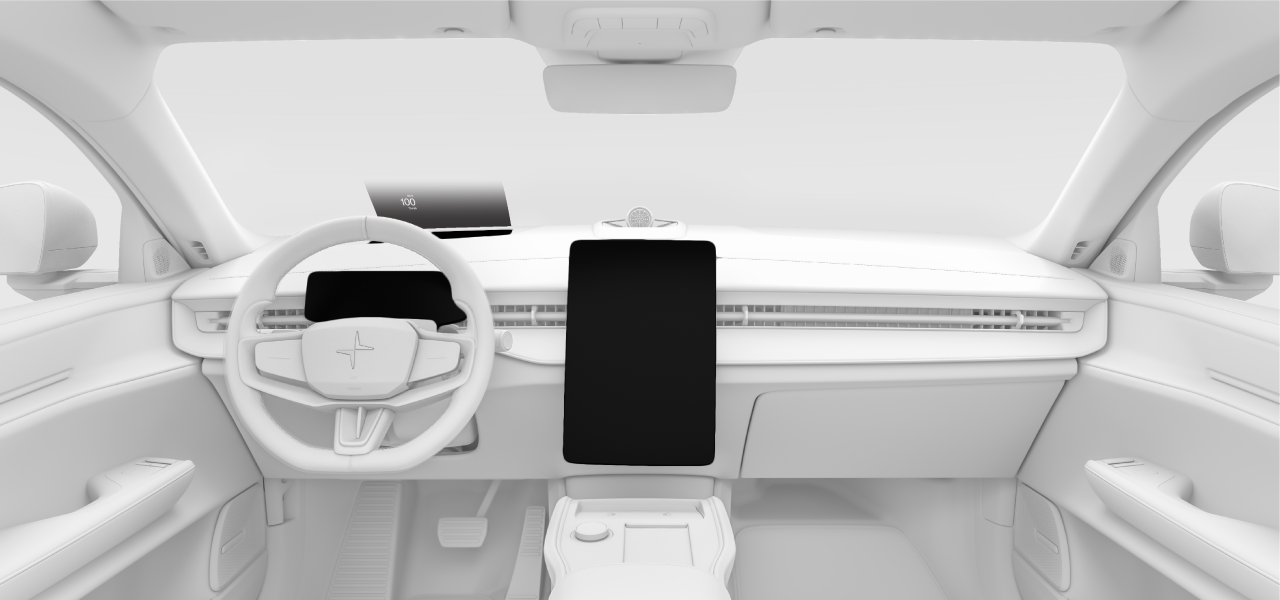
The different displays show you information related to the car and your driving. You can also control many of the car's functions by interacting with the displays.
3
1
2
- 1Driver display
- 2Centre display
- 3Head-up display
Tip
You can adjust the brightness for all of the displays via the lights and displays settings in the centre display.
