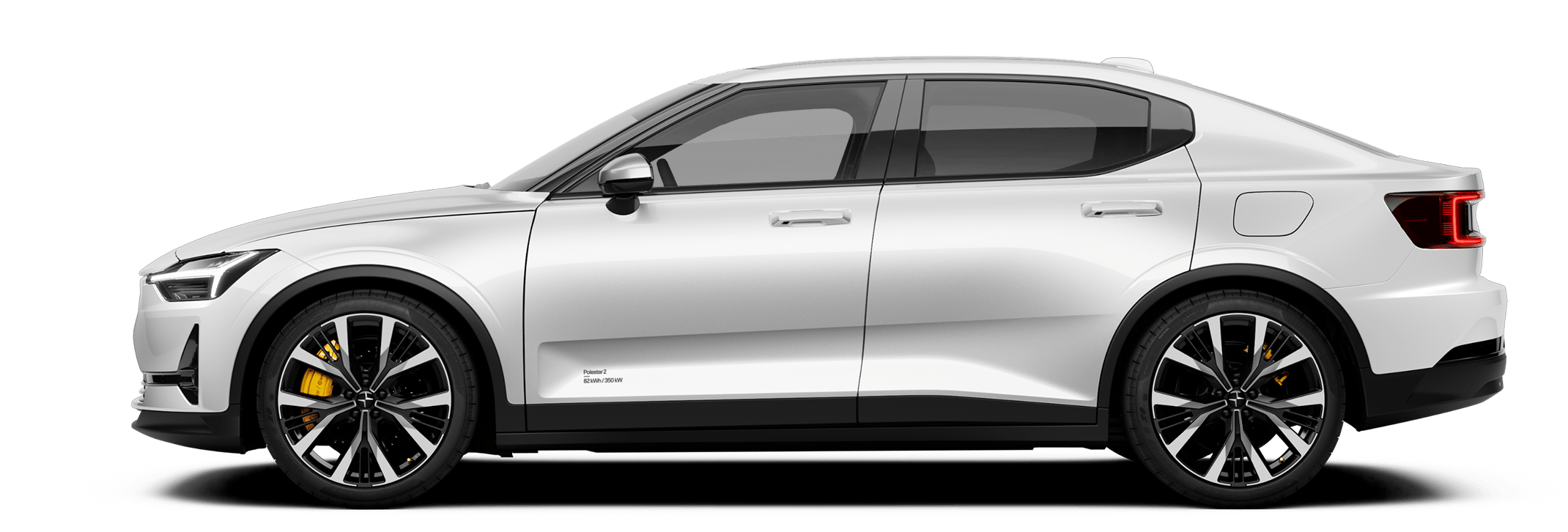





Interact with the centre display to control and view information about many of the car's features and functions.
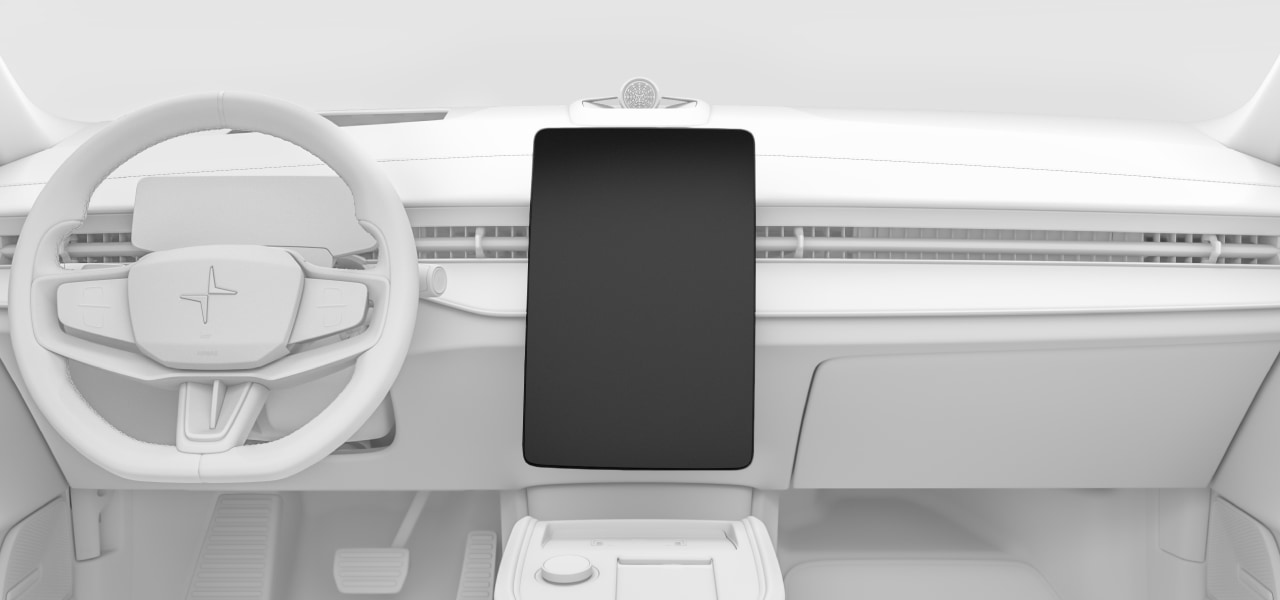
The centre display sits in the middle of the dashboard.
Frequently used features such as climate, car status and the app library can be accessed by pressing the symbols at the bottom of the display.
Examples of functions that can be viewed and controlled via the centre display are:
- Navigation
- Media players
- In-car apps
- Phone
Important
Do not use sharp objects on the centre display as they may cause damage.
