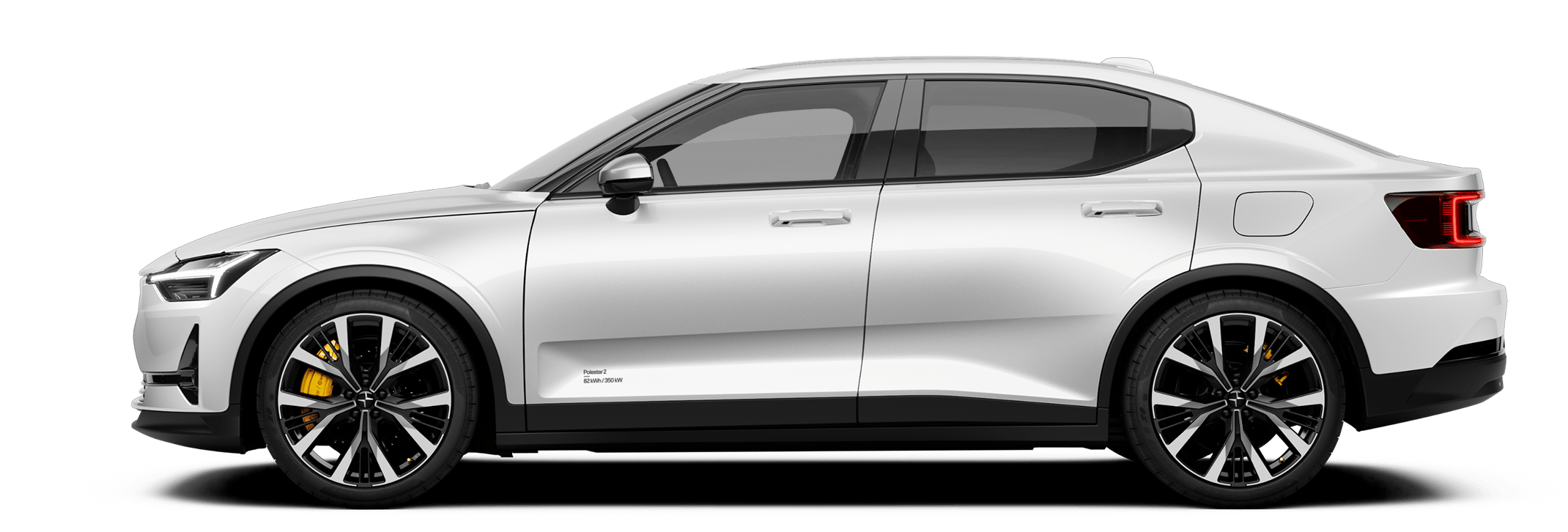





There are currently no cars available for purchase. Mayer Cars and Trucks operates Polestar in Israel and can be contacted for any questions.

Polestar
Polestar 2
Manual
Video galleryDownloadsSoftware updates
    Driving support systemsWarnings from various driver support systemsGeneral speed warningSpeed-dependent steering forceReady to drive notificationAuto braking after a collision

Adjusting warnings from Road Sign Information*

The driver can choose which warnings are activated for road sign information (RSI1) and adjust the limit for them.

The function is available in certain markets.

Tap on PS2-2007-Car symbol in the centre display.

Press Assist.
Tap on PS2- 2007- Icon three dots textsymbol for road sign information and select the desired setting.
You can choose to do the following:
  • Activate speed warning
  • Adjust the limit for Speed Warning2
  • Activating acoustic warning in connection with speed warning3
  • Activating acoustic warning in connection with speed camera warning4

 Note

Activation of the audible warning in connection with speed camera display will be available at a later date.
  1. * Option/accessory.
  2. 1 Road Sign Information
  3. 2 The function does not take account of the selected limit adjustment when the driver display shows the symbol for speed camera.
  4. 3 The driver can also be warned when driving towards one-way traffic/no entry road. Applies to certain markets.
  5. 4 The car needs access to map data with information on speed cameras.

There are currently no cars available for purchase. Mayer Cars and Trucks operates Polestar in Israel and can be contacted for any questions.