

Steering wheel controls
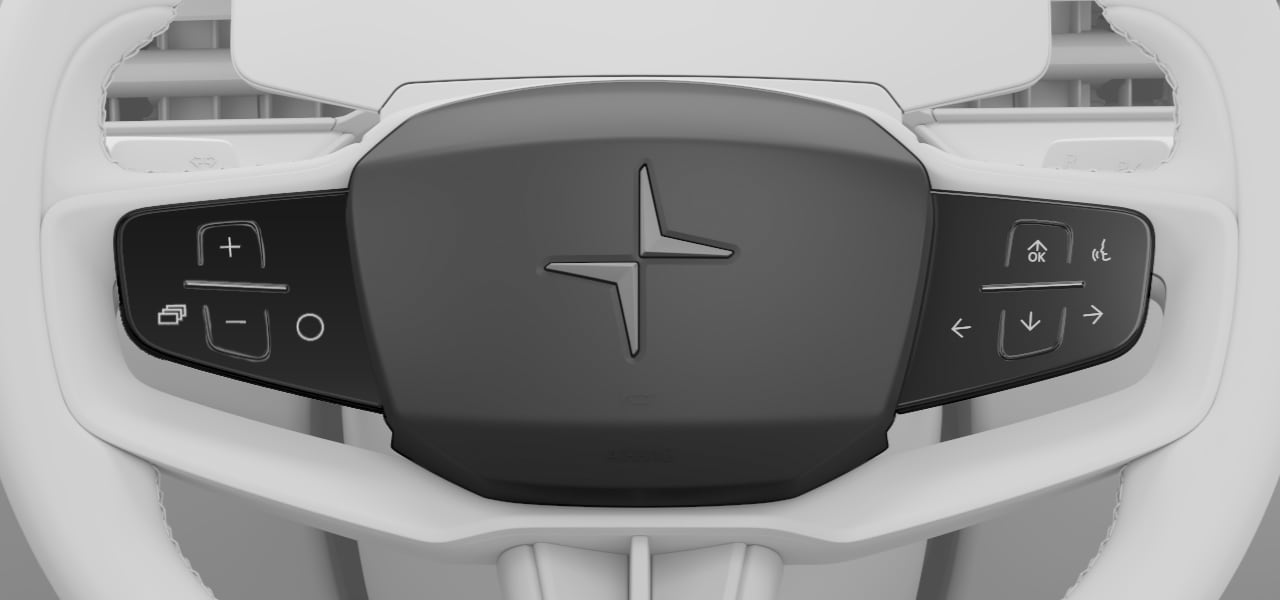
- Touch-sensitive buttons
- Left-hand stalk
- Right-hand stalk
- Horn
Touch-sensitive buttons
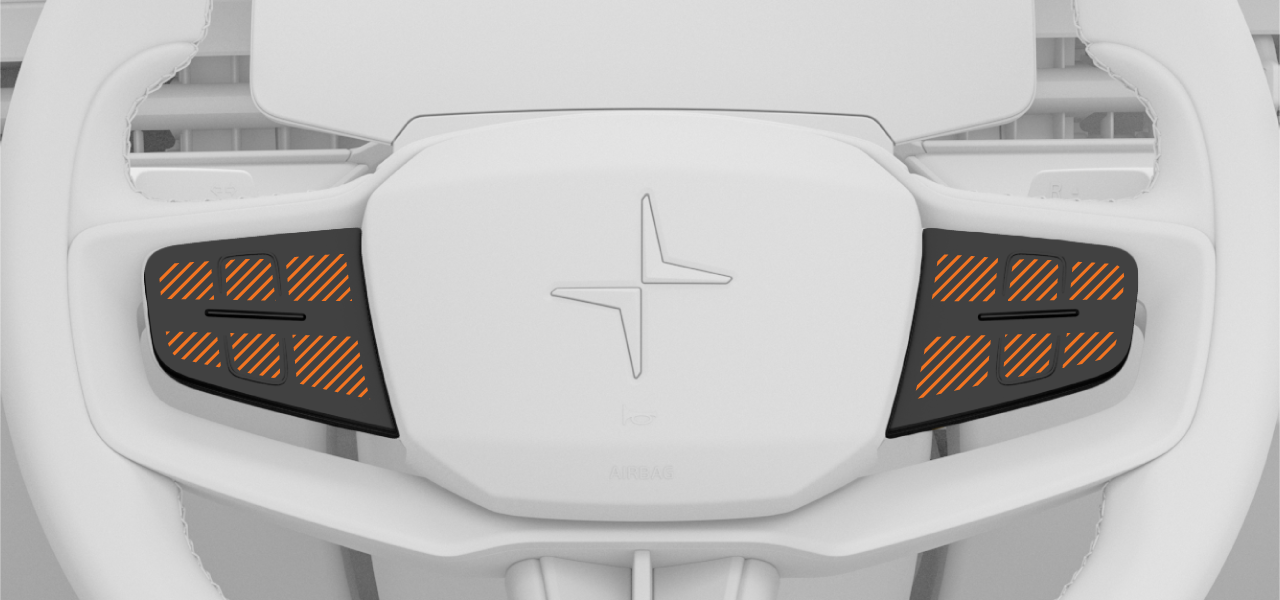
There are two sets of touch-sensitive buttons on the steering wheel, divided into multiple touch zones. Their functions change depending on the context; they typically control the information currently shown in the displays.
Interacting with the touch-sensitive buttons
The steering wheel buttons correspond to certain actions when they are available. When you move your finger across the steering wheel buttons, the feature associated with each touch zone appears in the instrument panel, on the same side as the set of buttons you are touching. The symbols on the steering wheel buttons are not always the same as those shown in the display.
To use the buttons, move your finger to the touch zone associated with the function you want to use. When the function is indicated in the display, press the button.
The symbols shown in the instrument panel can change color or appearance when a feature is enabled or adjusted.
Left-side buttons
 | Increase target speed for Pilot Assist |
 | Decrease target speed for Pilot Assist |
 | Enable or disable steering assistance when driving with Pilot Assist. |
 | Switch between instrument panel modes |
Right-side buttons
 | Activate the digital assistant |
| Increase the volume or confirm an action |
| Decrease the volume |
 | Play previous |
 | Play next |