Unlocking from a distance
Your car can unlock automatically when you approach it and lock when you leave it with a recognised distance-capable key. You can enable or disable this behaviour in settings.
If the automatic setting is disabled, or if you need to lock or unlock from further away, use the Polestar app or the buttons on your key fob.
Important
It is the driver's responsibility to ensure the car is locked, even when automatic functions are enabled.
Car thieves can use frequency jamming to interfere with key functions and prevent cars from locking. When you leave your car, always check that the driver door is locked.
Using the touch points on the door handles
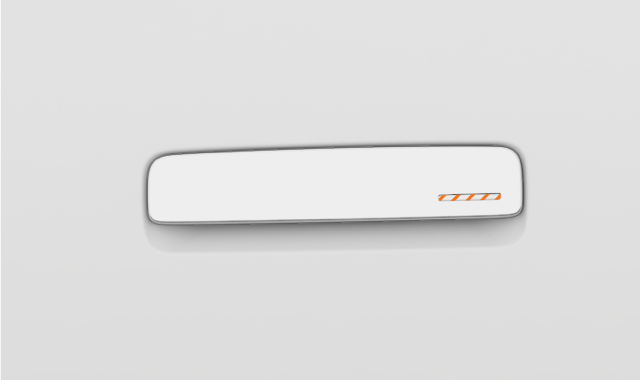
If you want to lock or unlock your car manually while still using a distance-capable key, you can use the touch points on the door handles.
To lock or unlock the car, place a finger on the small indentation.
Note
For the touch points to work, you need to keep a recognised distance-capable key where your car can detect it.
To prevent your car from unlocking or locking automatically when you approach or leave it, be sure to disable the proximity lock setting.
Using the exterior key reader
You can use any of your car's keys to lock or unlock the car by putting the key on the NFC1 reader in the driver's side wing mirror.
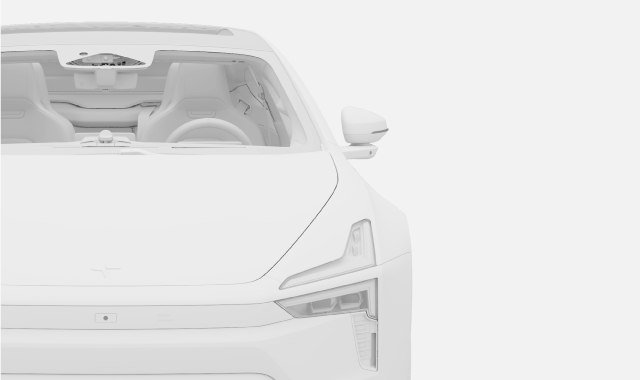
If you're using a key fob, the Polestar logo should be facing towards you.
Locking and unlocking from inside the car
You can use the central locking button on the inside of the front doors to lock or unlock all of the doors at the same time.


Emergency unlock
In the event of a collision, the car will automatically unlock. If the damage to the car is minor, the car can be locked again. With significant damage to the car, you will not be able to lock the car again. In that case, the locking function can only be restored by Polestar technicians.
Child lock
The child lock can increase passenger safety in the rear seats. You can turn the child lock on or off via the locking settings.
Important
Warning
Polestar recommends not leaving people or pets in a locked car. The driver is always fully responsible for the well-being and safety of anyone left inside.
Some regions have laws prohibiting people or pets being left inside a locked vehicle.