Polestar 4 digital key
FAQ
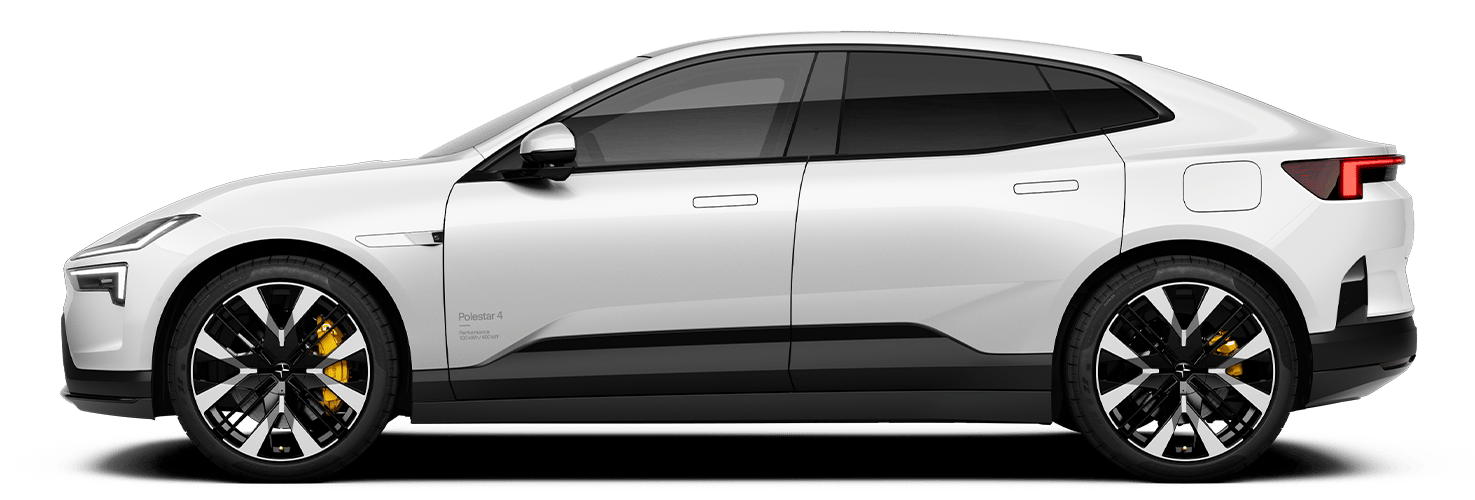
The digital key is an innovative, convenient replacement for a traditional car key. An encrypted digital key is securely stored in the owner’s phone wallet and allows you to lock, unlock, and start your car with your phone or smart watch. In Polestar 4, the digital key enables many personalized settings for the driver by using ultra-wideband, low-energy Bluetooth, and NFC technology. The ultra-wideband provides precise device localization, which enables the vehicle's approach recognition.
For phones with ultra-wideband (UWB) technology: Once your Car’s digital key is added to your phone’s Wallet, simply approach your Car or touch the door handle to unlock it—without taking your phone out of your bag or pocket. As you move away, the car will lock automatically. It’s easy, convenient and secure.
For phones with NFC technology, or as an alternative on UWB-enabled phones, add the digital key to your phone’s Wallet. Then, hold your phone or smartwatch near the symbol on the B-pillar to unlock and lock your Car. It’s easy, convenient and secure.
When you create a digital key from your owner profile, a new primary key is created. To make sure your driver profile loads when you unlock the car, link your digital key to your profile by pressing "Connect key to profile" under "Keys" while your digital key is the onlykey in the cabin. Make sure no other keys, such as a key fob, an NFC key card or other digital keys, are in the cabin so your preferred digital key is linked to your driver profile.
The primary driver can securely share and manage key access with others. The system integrates with the car's profile memory, allowing it to store preferred settings for up to six drivers. For each driver, there are two slots allocated, one slot for a smartphone and one slot for a smartwatch.
Shared keys can be revoked remotely by the primary driver. As the primary driver, you can do this either through the center display or using your phone’s Wallet. When a digital key connected to Polestar 4 is revoked from your phone’s Wallet, the access is removed.
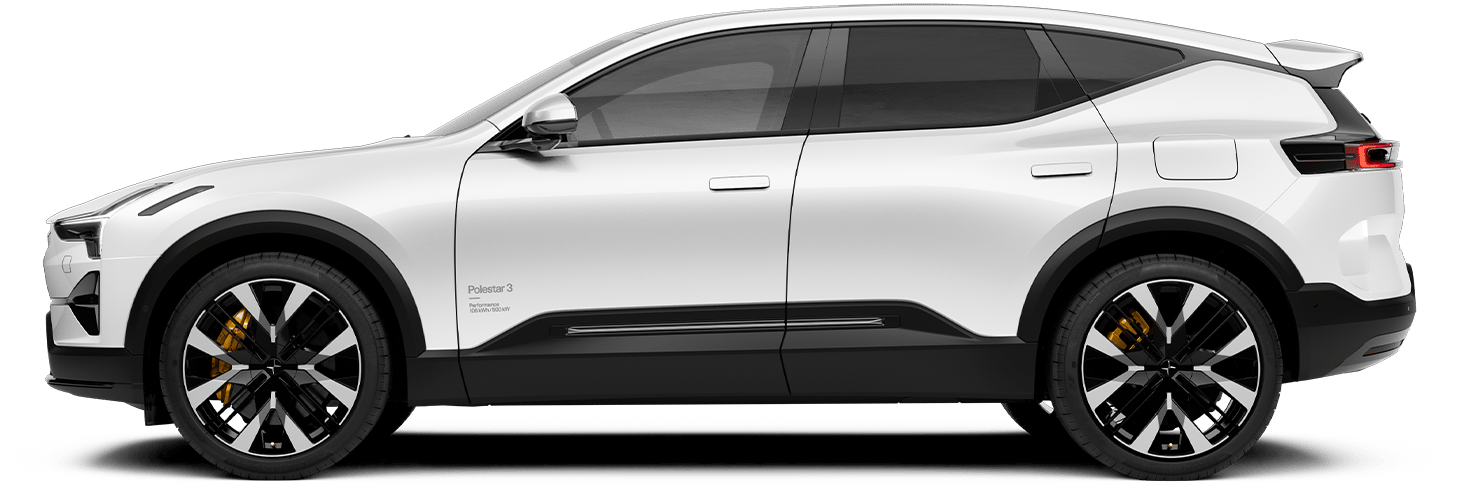
Polestar 3 and Polestar 4 have an advanced standardized digital key solution and utilize its technology by having the digital key in your phone’s Wallet.
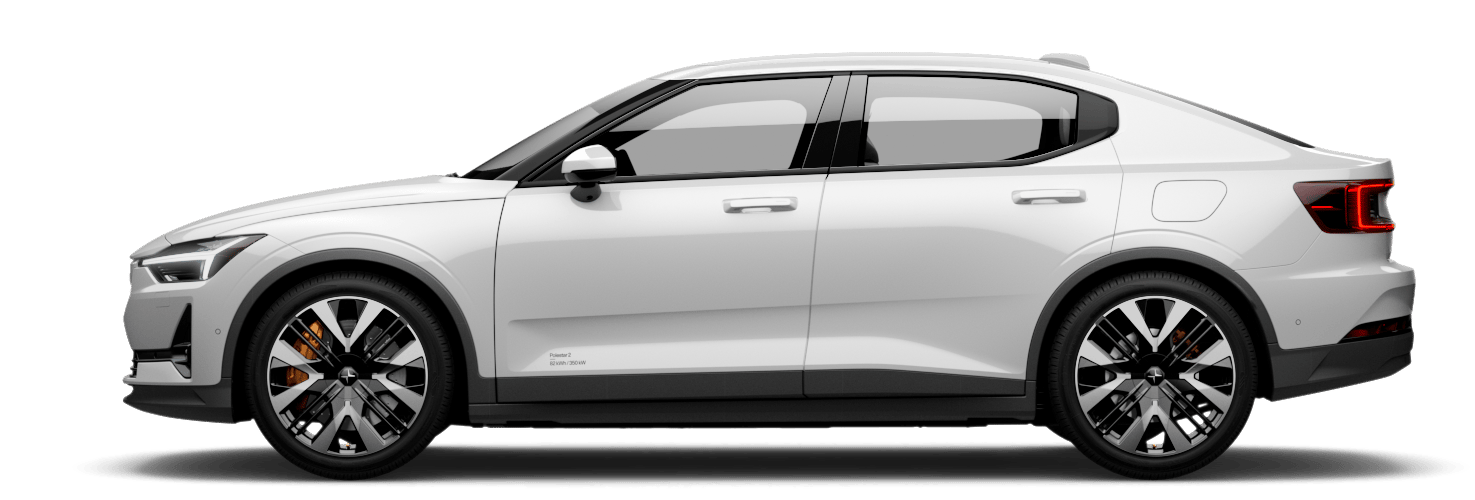
In contrast, Polestar 2 primarily utilizes Bluetooth, along with a Cloud connection, to enable the digital key through the Polestar app. The Cloud will now be leveraged to further support digital key functions, enhancing overall stability.
When a factory reset is performed for a Polestar, the digital keys will not be deleted, and the creation of a new primary digital key will not succeed when entering the activation process. Please make sure to remove all paired digital keys prior to a factory reset.
Only the owner's profile can share the digital key. Shared keys cannot be shared further.
When activating the primary digital key, make sure your phone and your Car are both connected to the internet, and that Bluetooth is turned on. It’s important that Wallet has access to cellular data in the Wallet & Apple Pay settings on your iPhone, or that your iPhone is connected to Wi-Fi. If you're using an Android phone, make sure battery optimization is turned off. If you’re still having trouble activating your digital key, please contact Polestar Support.
Before handing over the car you've sold, remove the digital key from your phone wallet using the following steps:
On your iPhone or Android phone, open the Wallet app. Select your car key.
Tap the 'More' button. Then, select Delete a key and then tap 'Remove key'.
If your iPhone has run out of battery, your car key in Apple Wallet will still work. Power reserve provides up to five hours of access, so you can still get inside.
If your iPhone or Apple Watch is misplaced or lost, your car key in Apple Wallet will be suspended once the device is marked as “lost” in the 'Find My' app. Your car key in Apple Wallet will be reactivated once your device is recovered. If you need more support, please visit Apple’s website. Apple Support (apple.com)
If your phone or smartwatch is stolen, you can still use the ultra-wideband key or NFC key card to unlock your car and access the owner profile on the car’s centre display to delete any linked digital key. If you have any shared keys on other devices, they will remain active until they are manually deleted.
To move your digital key to another device, such as a new phone, you need to access the owner’s driver profile and navigate to the 'Keys' menu. Press 'Change digital key' and follow the steps in the centre display.
Not all phone models support the ultra-wideband functionality, which is required for the approach recognition to function. Some phone models support the digital key in your phone wallet app, but only with NFC functionality. Please check your phone model's website to ensure your phone model supports ultra-wideband.
Polestar 4 currently only supports digital keys for Apple Watch. We're investigating making this feature available for Google Watches and Samsung Watches, but it requires additional testing and development. We'll share more information once it becomes available.